

Product Feed Optimization for SEO
- January 20, 2025
- Schema and Structured Data, Technical SEO
AI Summary
Product feed optimization is the practice of structuring the attribute data you send to Google Merchant Center so your items win visibility in Shopping, free product listings and AI shopping answers. The highest leverage moves are a keyword led title formula, complete and accurate attributes, and feed values that match the live product page and its Product schema exactly.
- Feeds power Shopping ads, free listings in Search, and increasingly AI shopping results, all from one data file.
- Front load feed titles with brand, product type and the key attribute shoppers actually search.
- Fill every relevant attribute: gtin, google_product_category, availability, price, item_group_id for variants.
- Feed price, availability and title must agree with the product page or items get disapproved.
What Product Feed Optimization Is
A product feed is the structured file of attributes you submit to Google Merchant Center for every item you sell, and it is the single source that powers Shopping ads, the free product listings that appear in Search, the Shopping tab, and a growing share of AI shopping answers. Product feed optimization means improving that attribute data, the titles, descriptions, identifiers, categories, prices and availability, so more of your items are eligible, accurately classified, and matched to the queries that convert. It sits at the intersection of ecommerce SEO and merchandising, and it rewards precision over cleverness.
Feeds matter for organic visibility, not just paid, because free product listings draw directly from the same data. A weak or incomplete feed limits how often your items surface even when you are not bidding, and it undermines the Product structured data on your pages. If you are building the underlying pages too, pair this with solid ecommerce product page SEO so the feed and the page reinforce each other.
Optimizing the Feed Title
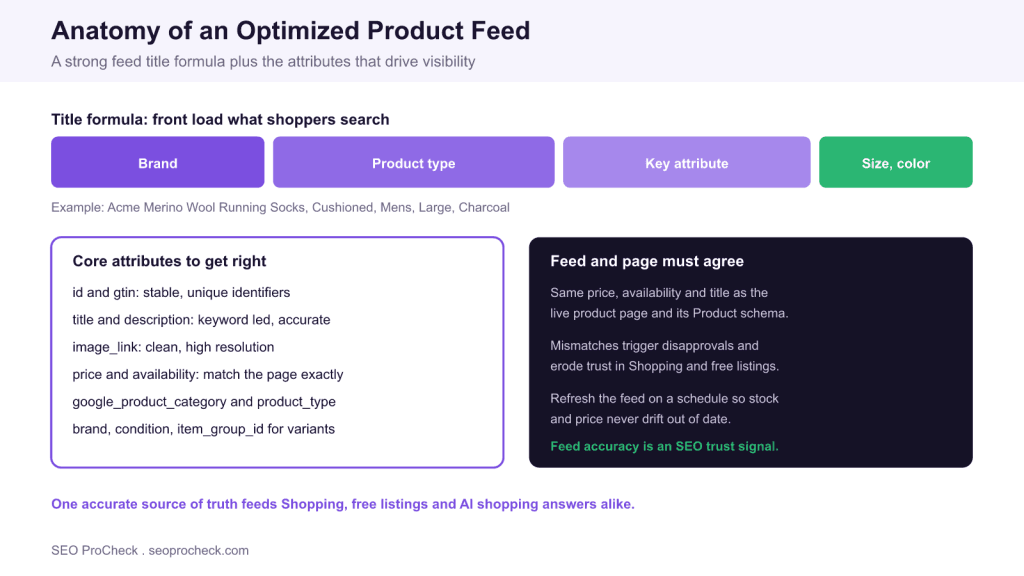
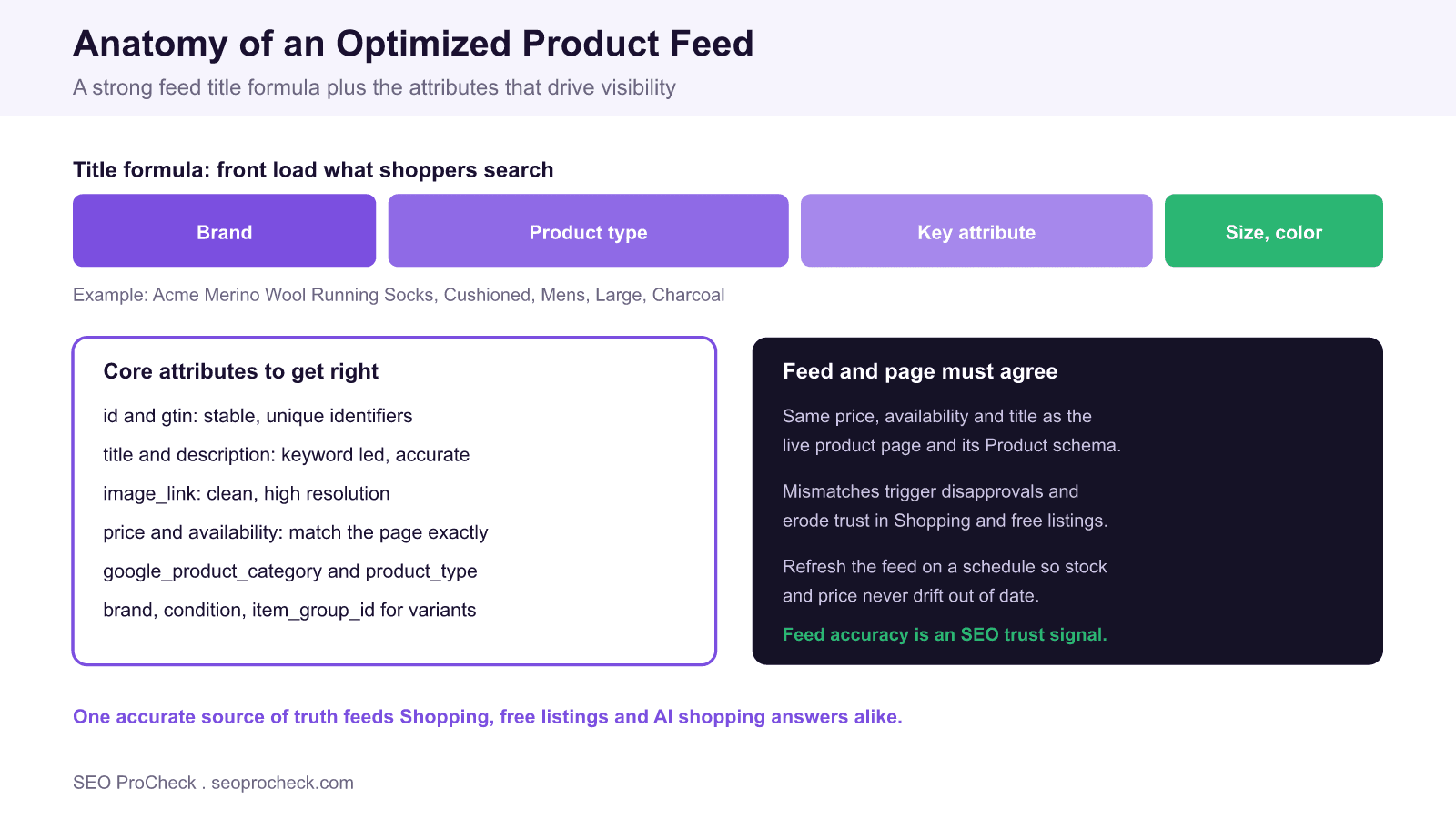
The title attribute is the strongest match signal in the feed, so treat it like prime real estate. A reliable formula front loads the terms shoppers search: brand, then product type, then the key differentiating attribute, then the variant. For example, Acme Merino Wool Running Socks, Cushioned, Mens, Large, Charcoal reads naturally while covering the material, use case, gender, size and color a query might include. Keep the most important words in the first 70 characters, because listings truncate, and avoid keyword stuffing or promotional text like free shipping, which can trigger disapprovals. Write the title to describe the product accurately first and to rank second; the two goals usually align.
Descriptions carry secondary keywords and context. Lead with the concrete specifications and materials, then cover use cases and compatibility. Do not repeat promotional claims or restate the title verbatim. A description that reads like a spec sheet gives both the ranking systems and an AI shopping assistant clean facts to match against.
The Attributes That Drive Visibility
Beyond the title, eligibility and matching depend on filling every relevant attribute correctly. Supply a valid GTIN and brand so your items qualify for the widest set of surfaces and can be matched to known products. Choose the most specific google_product_category rather than a broad parent, and use product_type to reflect your own site taxonomy. Group variants under a shared item_group_id so sizes and colors are understood as one product. The table below summarises the core attributes and how to get each one right.
| Feed attribute | Purpose | Optimization tip |
|---|---|---|
| id | Unique, stable item identifier | Keep it permanent, never reuse it across products |
| title | Primary match signal for queries | Front load brand, product type, key attribute, variant |
| description | Context and secondary keywords | Lead with facts and specs, avoid promotional fluff |
| gtin and brand | Trusted product identity | Supply valid GTINs so items qualify for more surfaces |
| google_product_category | Taxonomy for the right results | Pick the most specific category that fits |
| price and availability | Eligibility and trust | Mirror the live page exactly and refresh often |
| image_link | Visual match in listings | Use a clean, high resolution main image, no overlays |
| item_group_id | Groups variants together | Share one group id across sizes and colors |
Keep the Feed and Page in Agreement
The fastest way to get items disapproved is a mismatch between the feed and the live product page. Price and availability must be identical in both places, and they must also match the values in your Product schema. When a shopper sees one price in a listing and another on the page, trust breaks and Google penalises the discrepancy, so treat the product page, the Product structured data, and the feed as three views of one source of truth. For the schema side of this, the complete Product schema guide walks through the required fields, and you should validate the structured data after every template change.
Freshness is part of accuracy. Stock and prices drift throughout the day, so schedule frequent feed updates, or use a content API or scheduled fetch, to keep availability current. Nothing erodes trust faster than promoting an item that is out of stock or mispriced, and stale availability is one of the most common causes of quiet performance loss.
Managing Feeds at Scale
As catalogues grow, supplemental feeds and custom labels keep the work manageable. A supplemental feed lets you override or enrich specific attributes, for example improving titles for a category, without rebuilding the primary feed. Custom labels tag items by margin, season, bestseller status or clearance so you can segment reporting and prioritise your best products. Establish a monitoring routine in Merchant Center: watch the disapprovals and item issues reports, fix identifier and policy errors first, and track how many items are actively serving versus submitted. A feed that is 90 percent approved and accurate will out earn a larger feed riddled with errors.
Common Feed Errors to Fix First
Before chasing advanced tactics, clear the errors that quietly suppress items. The most frequent offenders are missing or invalid GTINs, price and availability that lag the live page, titles padded with promotional text, generic images with logos or badges baked in, and variants submitted as separate products with no shared item_group_id. Each one either disapproves the item or weakens how it matches, so a cleanup pass usually recovers visibility faster than any new title experiment.
Work the Merchant Center item issues report in priority order: policy and identifier errors first because they remove items entirely, then data quality warnings that limit performance. Re fetch the feed after each fix and confirm the affected items move back to active, so you know the correction actually landed rather than assuming it did.
What's Changed: Free Listings and AI Shopping
Two shifts have raised the stakes for feed quality. First, Google opened free product listings across Search and the Shopping tab, so a well built feed now drives organic visibility, not only paid campaigns. Second, AI shopping experiences increasingly assemble answers from structured product data, which means the same clean titles, accurate prices and complete attributes that help classic listings also decide whether an assistant surfaces and recommends your item. The through line is simple: maintain one accurate, complete, freshly updated feed that matches your pages, and it will serve every shopping surface at once.
Frequently Asked Questions
What is product feed optimization?
It is the practice of improving the attribute data you submit to Google Merchant Center, such as titles, descriptions, identifiers, categories, prices and availability, so your items are eligible for and matched to more shopping queries. It improves both paid Shopping ads and the free product listings that appear in Search. Done well, it also feeds AI shopping answers that draw on structured product data.
How should I structure a product feed title?
Front load the terms shoppers search: brand, then product type, then the key attribute, then the variant such as size or color. Keep the most important words within the first 70 characters because listings truncate, and describe the product accurately rather than adding promotional phrases. Avoid keyword stuffing and terms like free shipping, which can cause disapprovals.
Why do my feed and product page need to match?
Google compares the feed against the live page, and mismatches in price or availability cause item disapprovals and erode trust. The values should also match your Product structured data, so treat the page, the schema and the feed as three views of one source of truth. Frequent feed updates keep availability and price from drifting out of sync.
Do free product listings use the same feed as Shopping ads?
Yes. Free product listings in Search and the Shopping tab draw from the same Merchant Center feed as paid campaigns. That means a complete, accurate feed improves organic product visibility even when you are not bidding, so feed quality is an SEO concern and not only a paid media one.
Which product feed attributes matter most for visibility?
Title, description, a valid GTIN and brand, the most specific google_product_category, accurate price and availability, a clean image_link, and item_group_id for variants. Complete and correct identifiers qualify items for more surfaces, while accurate price and availability keep them approved. Filling every relevant attribute gives the ranking systems more ways to match your products.
How does product feed quality affect AI shopping answers?
AI shopping experiences increasingly assemble recommendations from structured product data, so the clean titles, accurate prices and complete attributes that help classic listings also influence whether an assistant surfaces your item. Maintaining one accurate, complete and current feed that matches your pages positions you across Shopping, free listings and AI answers at the same time.
Take this with you
The assistant links open with a question about this page already written. Nothing is sent until you press enter.
Claude Vincent is a technical SEO consultant focused on crawlability, rendering, and AI-search visibility. He writes the field guides and case studies at SEO ProCheck, with a bias toward the durable, unglamorous work that decides whether search engines and AI answer engines can actually read and cite a site.
About SEO ProCheck
Technical SEO consulting and GEO strategy with 20 years of enterprise experience. Case studies, resources, and tools for search and AI visibility.
Work With Me
Technical SEO audits, GEO strategy, site migrations, and international SEO. Hourly consulting for teams who need hands-on support, not just reports.
Subscribe to our newsletter!








Recent Posts
- Most Top Sites Never Say Who They Are in Structured Data October 14, 2026
- Homepage Titles Are Mostly Too Short, Not Too Long October 8, 2026
- Who Actually Serves an llms.txt? 184 Top Sites Measured September 29, 2026