

10 Schema Markup Types Every Site Needs
- January 20, 2025
- Schema and Structured Data, Technical SEO
AI Summary
Schema markup is structured data (best delivered as JSON-LD) that describes a page’s meaning to search engines and can earn rich results. Almost every site benefits from a small core set: Organization, WebSite, and BreadcrumbList sitewide, then page-type markup such as Article, FAQPage, Product, or LocalBusiness where it applies.
- Use JSON-LD in a
<script type="application/ld+json">tag; Google recommends it over Microdata and RDFa. - Only mark up content that is actually visible on the page, or you risk a structured-data manual action.
Organization,WebSite, andBreadcrumbListbelong on essentially every site.- Validate with the Rich Results Test and Schema Markup Validator before you ship.
Schema markup is the vocabulary from schema.org that you add to a page to describe what its content means, not just what it says. Search engines read it to understand entities and relationships, and they use it to build rich results: star ratings, FAQ accordions (no longer shown by Google since May 7, 2026), breadcrumb trails, product prices. You do not need every type schema.org defines. You need a compact core that fits your site, delivered as JSON-LD, and kept honest against the visible content. This is a practical list of 10 schema markup types every site should consider, grouped by scope.
Deliver all of them as JSON-LD inside a script tag. Google recommends JSON-LD over Microdata and RDFa because it sits in one block, separate from your HTML, and is far easier to maintain.
<script type="application/ld+json">
{
  "@context": "https://schema.org",
  "@type": "Organization",
  "name": "Example Co",
  "url": "https://example.com",
  "logo": "https://example.com/logo.png"
}
</script>
Sitewide markup: put these on every page
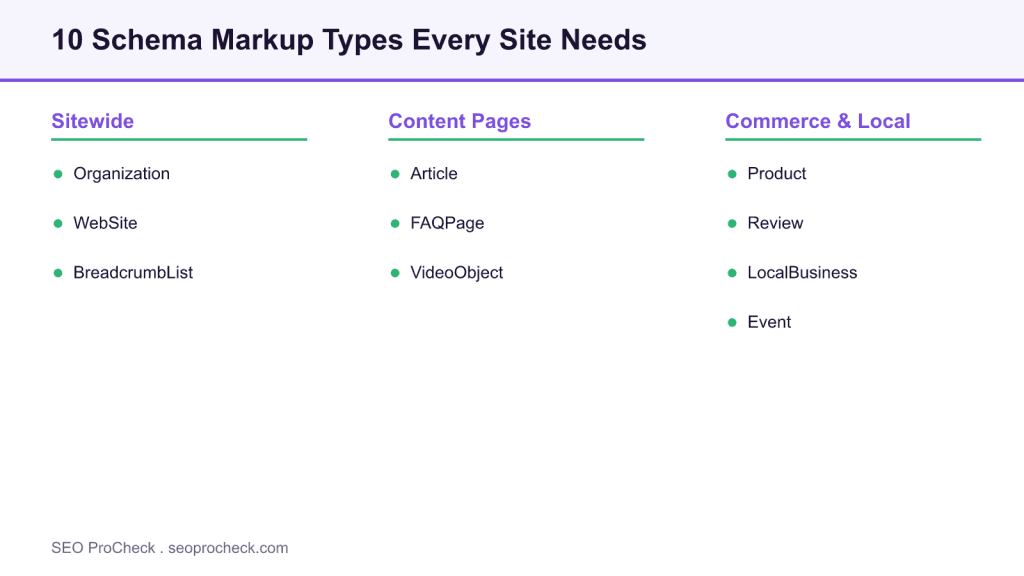
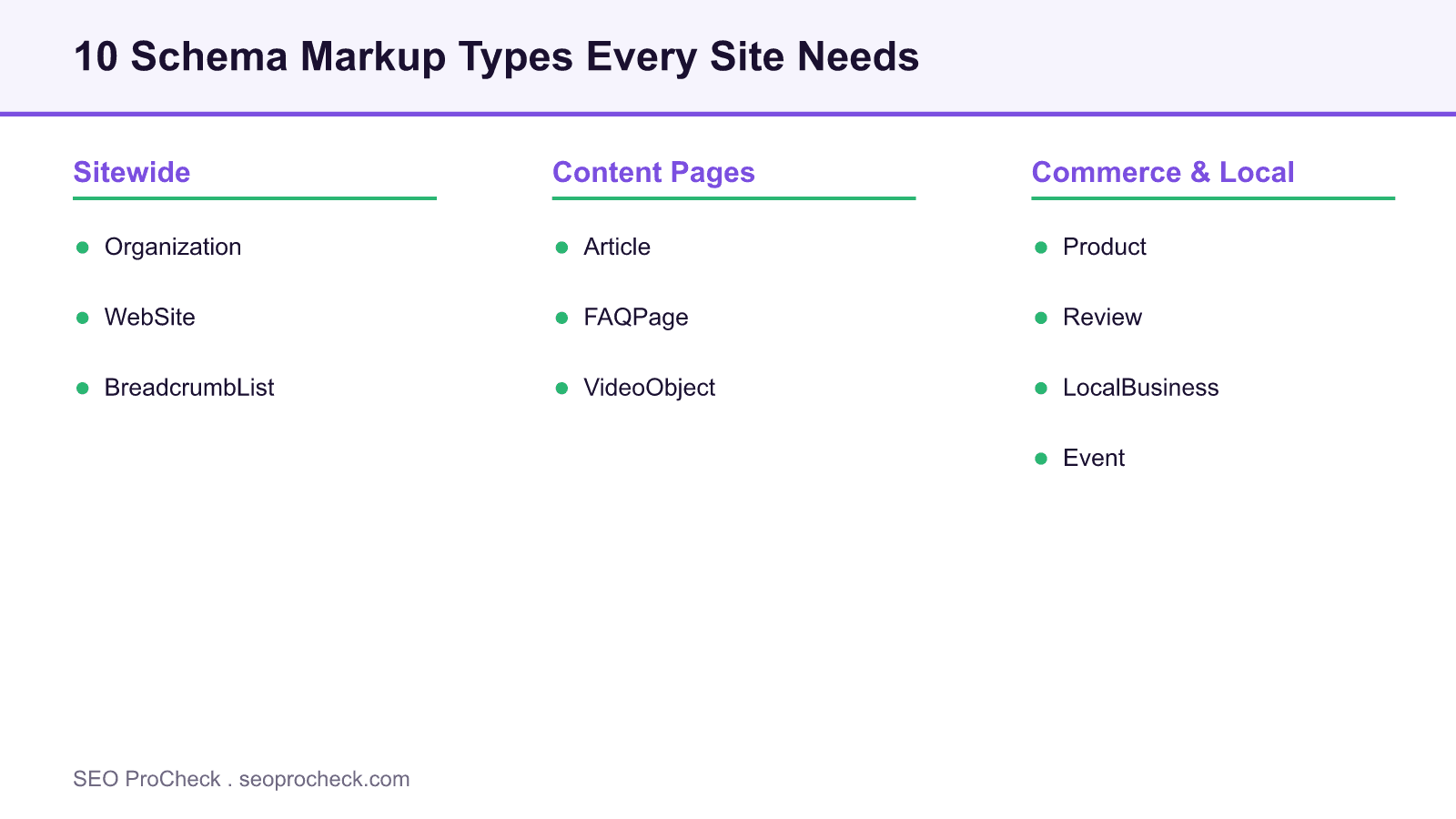
1. Organization. Describes the entity behind the site: name, logo, URL, and social profiles via sameAs. It feeds Google’s understanding of your brand as an entity and can support a knowledge panel. Place it sitewide, usually in the header or footer template.
2. WebSite. Names the site as a whole and can declare a potentialAction of type SearchAction, which once enabled a sitelinks search box until Google retired that feature in November 2024; today WebSite markup serves site names. One WebSite node per site, on every page.
3. BreadcrumbList. Encodes the navigational path to the current page. Google uses it to render a breadcrumb trail in place of the raw URL in results, which improves how the listing reads. Generate it dynamically so each page reflects its true position in the hierarchy.
Content-page markup
4. Article (or BlogPosting / NewsArticle). Marks up editorial content with headline, author, publish and modified dates, and a main image. It reinforces authorship and freshness signals and is a baseline for any blog or news section. Use the most specific subtype that fits.
5. FAQPage. Marks up a genuine list of questions and answers that appear on the page. Google stopped showing its expandable Q&A block for every site on May 7, 2026, but the same markup still helps Bing and AI answer engines lift your answers cleanly. Only use it for content actually visible to users.
6. VideoObject. Describes an embedded video with name, description, thumbnail, upload date, and duration. It makes videos eligible for video rich results and for the video tab, and helps Google surface key moments when you add clip markup.
Commerce and local markup
7. Product. The backbone of e-commerce structured data: name, image, description, brand, and a nested Offer with price, currency, and availability. Combined with review data it can earn price and rating rich results in both the standard and merchant listings.
8. Review and AggregateRating. Review marks up a single review; AggregateRating summarizes many into an average and count. Nested inside Product or another eligible type, it is what produces the star rating in a result, but on your own LocalBusiness markup Google treats ratings about yourself as self-serving and not eligible for stars. The reviews must be genuine and present on the page.
9. LocalBusiness. For any business with a physical location or service area: name, address, geo-coordinates, phone, opening hours, and price range. It supports local visibility and pairs with a well-kept Google Business Profile. Choose the most specific subtype, such as Restaurant or Dentist.
10. Event. Describes an event with name, start and end dates, location (physical or virtual), and offers. It can produce an event rich result and feed event experiences in Search and Maps. Keep dates and status current, and mark cancellations with eventStatus.
Which type earns which result
Not every type produces a visible rich result, and eligibility changes over time. This table maps each type to what it is for and the result it can support.
| Schema type | What it marks up | Rich result it can support | Scope |
|---|---|---|---|
Organization | Brand entity | Knowledge panel signals | Sitewide |
WebSite | Whole site plus search action | Site names (the sitelinks search box was retired in November 2024) | Sitewide |
BreadcrumbList | Navigation path | Breadcrumb trail | Sitewide |
Article | Editorial content | Article and Top Stories eligibility | Content |
Product | Product with offer | Price, availability, rating | Commerce |
LocalBusiness | Physical or service business | Local visibility signals | Local |
A practical rule: put Organization, WebSite, and BreadcrumbList everywhere, then add the page-type markup that matches each template. Marking up content that is not visible on the page is a common cause of a structured-data manual action, so keep the markup and the rendered content in sync. Adding schema is one of the higher-leverage items in the 15 quick SEO wins, and skipping validation is one of the common technical SEO mistakes.
FAQ
Structured data is not a direct ranking factor on its own. What it does is make a page eligible for rich results and help engines understand the content, which can lift click-through and clarify entity relationships. Those effects can improve performance indirectly, but the markup alone does not move a ranking.
Use JSON-LD. Google recommends it because it lives in a single script block, separate from your visible HTML, which makes it far easier to add and maintain. Microdata and RDFa are still valid but intertwine markup with the page’s HTML.
Organization, WebSite, and BreadcrumbList apply to almost every site and belong sitewide. Beyond that, add the markup that matches your content: Article for blogs, Product for shops, LocalBusiness for physical locations, FAQPage where you have a real question-and-answer section.
Yes. Marking up content that is not visible on the page, or misrepresenting it, can trigger a structured-data manual action that removes your rich results. Keep the markup truthful and in sync with what users see, and validate before publishing.
Use Google’s Rich Results Test to see which rich results a page is eligible for, and the Schema Markup Validator at validator.schema.org for general syntax validation. After launch, watch the Enhancements reports in Search Console for errors on live pages.
Google stopped showing the FAQ rich result for every site on May 7, 2026, so expect no accordion in Google results. The markup still helps search and AI answer engines parse your questions and answers cleanly, so it remains worth adding on genuine FAQ content.
Is your structured data valid and complete?
Missing or malformed schema quietly costs rich results. An audit checks every template for coverage and errors.
Take this with you
The assistant links open with a question about this page already written.
Claude Vincent is a technical SEO consultant focused on crawlability, rendering, and AI-search visibility. He writes the field guides and case studies at SEO ProCheck, with a bias toward the durable, unglamorous work that decides whether search engines and AI answer engines can actually read and cite a site.
About SEO ProCheck
Technical SEO consulting and GEO strategy with 20 years of enterprise experience. Case studies, resources, and tools for search and AI visibility.
Work With Me
Technical SEO audits, GEO strategy, site migrations, and international SEO. Hourly consulting for teams who need hands-on support, not just reports.
Subscribe to our newsletter!








Recent Posts
- Google August 2026 Spam Update: Dates, Duration and How to Read Your Data November 2, 2026
- Google Algorithm Updates: The Dated List Since 2003, and What to Do After Each October 31, 2026
- AI Readiness: The Checklist, the Research and the Free Tools October 28, 2026