

AI Summary
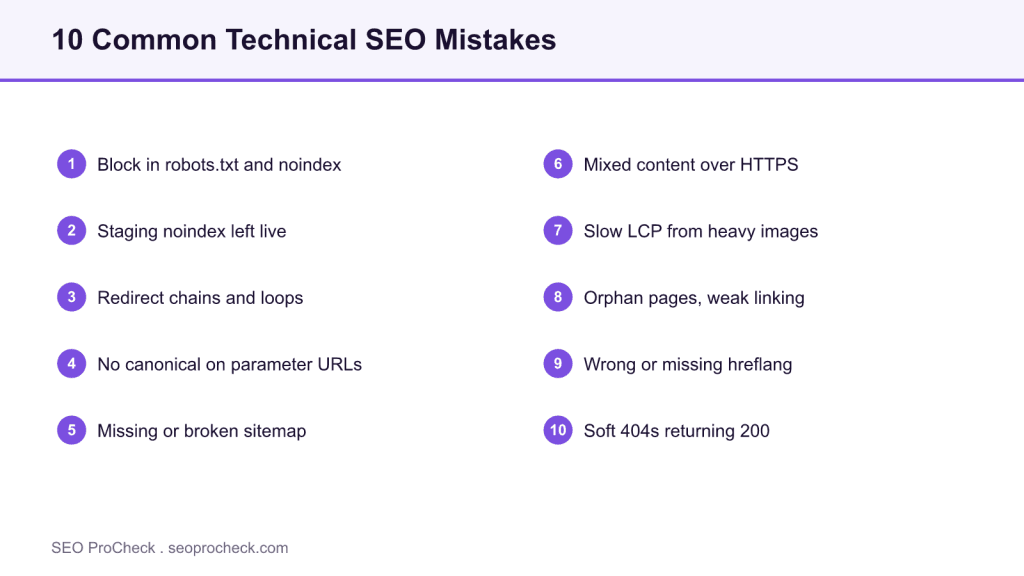
The most common technical SEO mistakes are not exotic; they are indexing and crawl errors that silently cap a site’s performance. The costliest are conflicting crawl directives (blocking a URL in robots.txt while also serving noindex), a staging noindex left live after launch, redirect chains, and soft 404s that return a 200 status.
- Never block a URL in robots.txt and noindex it too: the crawler cannot read the
noindexit never fetches. - A leftover site-wide
noindexfrom staging is the classic traffic-to-zero bug after a relaunch. - Redirect chains waste crawl budget and dilute link equity; collapse them to a single hop.
- A soft 404 (a missing page returning
200) tells Google to keep crawling a dead URL.
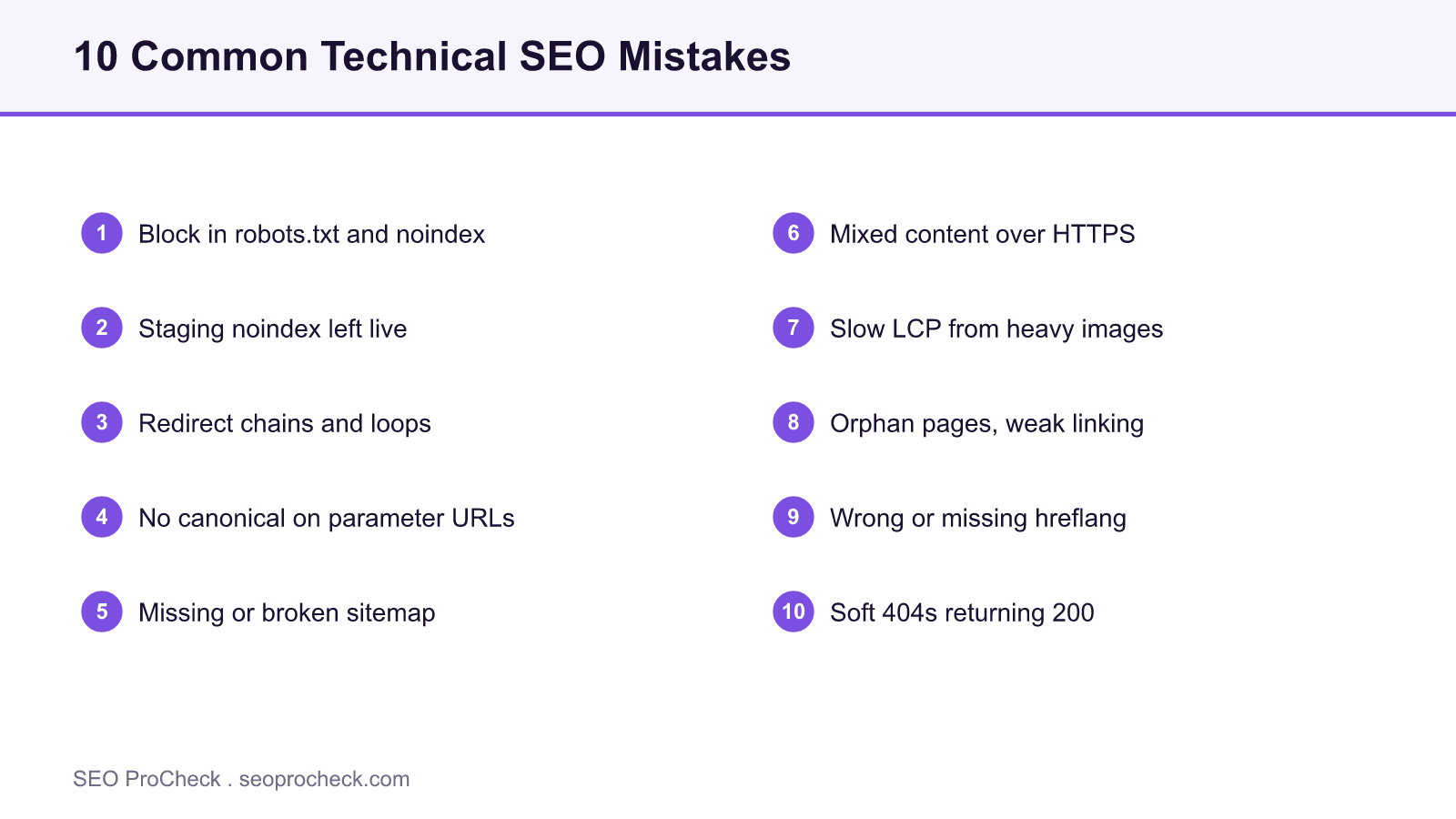
Technical SEO rarely fails in dramatic ways. It fails quietly: a directive that contradicts another, a status code that lies, a redirect that hops three times before it lands. None of these throw an error you would notice in a browser, and all of them cap what the rest of your work can achieve. This is a field guide to the ten mistakes that come up most often in real audits, with how to detect each one and how to fix it.
They are ordered by how much damage they do. The first two can zero out a site’s traffic on their own, so check them first.
1. Blocking a URL in robots.txt and noindexing it too
This is the single most misunderstood interaction in technical SEO. robots.txt controls whether a crawler fetches a URL; the noindex directive controls what it does after it fetches. If you disallow a path in robots.txt, the crawler never reads the page, never sees the noindex, and the URL can still appear in results as a bare link. To remove a page from the index, allow crawling and serve noindex until it drops out. The full mechanics are in the meta robots and X-Robots-Tag reference.
2. A staging noindex left live after launch
Development sites are usually noindexed on purpose. The failure is forgetting to remove that directive at launch. In WordPress the culprit is often Settings, then Reading, "Discourage search engines from indexing this site", which emits a global noindex. Audit the live robots meta tag and header on launch day with curl -sI, and check Search Console for a spike in "Excluded by noindex tag".
3. Redirect chains and loops
A redirect chain is a URL that redirects to another redirect before reaching the final page. Each hop adds latency, bleeds a little link equity, and consumes crawl budget. A loop never resolves at all. Crawl the site, filter for redirect status codes, and rewrite every chain so the original URL points to the final destination in one hop. This is a common finding on sites that have migrated more than once.
4. Duplicate content from URL parameters with no canonical
Faceted navigation, tracking parameters, session IDs, and sort orders can generate dozens of URLs that serve the same content. Without a canonical tag, search engines see many thin duplicates and split ranking signals across them. Give each variant a canonical pointing to the clean version, and consider parameter handling rules for the worst offenders.
5. A missing or broken XML sitemap
The sitemap is your primary discovery channel for deep pages. Common failures: the sitemap 404s, it lists noindexed or redirected URLs, or it was never submitted. Confirm it loads at /sitemap_index.xml or /sitemap.xml, that it lists only indexable canonical URLs, and that it is submitted in Search Console under Indexing, then Sitemaps.
6. Mixed content on an HTTPS site
When an HTTPS page loads an image, script, or stylesheet over plain HTTP, browsers flag mixed content and may block the resource. It undermines the trust signal HTTPS is meant to provide and can break page functionality. Audit for http:// resource references on secure pages and update them to protocol-relative or HTTPS URLs.
7. Slow Largest Contentful Paint from heavy images
Unoptimized images are the most common cause of a failing LCP on mobile, and LCP is part of the page-experience signal. Serve modern formats, size images to their display dimensions, lazy-load below-the-fold images, and keep the hero image eager with high fetch priority. See the Core Web Vitals and performance guide for the field-data view.
8. Orphan pages and weak internal linking
A page with no internal links is crawled rarely and receives almost no internal authority. Flat, shallow linking also leaves important pages several clicks from the homepage. Map your internal links, surface orphans, and add contextual links from relevant published pages. Several of these fixes overlap with the 15 quick SEO wins.
9. Wrong or missing hreflang on international sites
Multi-language and multi-region sites use hreflang to tell Google which URL serves which audience. The frequent errors are missing return tags (each language version must reference the others), wrong region or language codes, and hreflang pointing at noindexed or redirected URLs. Validate the cluster so every page in the set references every other, including itself.
10. Soft 404s that return a 200 status
A soft 404 is a page that shows a "not found" message but returns an HTTP 200. Google keeps treating the URL as live and keeps crawling it, wasting budget. Missing pages should return a real 404, and permanently removed pages a 410. Verify with curl -sI and read the status line rather than trusting the on-page text.
Detection and fix reference
Every mistake above is detectable with tools most teams already have. This table maps each to a quick detection method and the fix.
| Mistake | How to detect it | Fix |
|---|---|---|
| Block plus noindex | Search Console URL Inspection shows "blocked by robots.txt" | Allow crawl, keep noindex until dropped |
| Leftover staging noindex | curl -sI shows noindex on live pages | Uncheck Reading setting, remove directive |
| Redirect chains | Crawler flags multi-hop 3xx paths | Point source to final URL, one hop |
| Parameter duplicates | Many URLs, one body; no canonical | Add self-referencing canonical |
| Soft 404 | Missing page returns 200 in headers | Return real 404 or 410 |
FAQ
A site-wide noindex left live after launch, because it removes every page from the index at once. It is also one of the fastest to fix. Audit the live robots meta tag and HTTP header on the day a site goes live, before anything else.
Because the two directives operate at different stages. robots.txt stops the crawler before it fetches the page, so it never reads the noindex. The URL can then still be indexed as a bare link from external references. Pick one: allow crawling with noindex to remove a page, or block in robots.txt to save crawl on a page you never want fetched.
Run a crawl in Screaming Frog or a similar tool and filter the response codes for 3xx redirects, then use the redirect-chains report. Each row that passes through more than one hop is a chain. Rewrite the rule so the first URL points straight to the final destination.
A real 404 returns an HTTP 404 status, telling search engines the page is gone. A soft 404 shows a not-found message to users but returns a 200 status, so Google keeps the URL in its crawl queue and may keep it indexed. Always check the status code with a header inspection, not the visible page text.
There is no direct penalty for most duplicate content, but it splits ranking signals across URLs and wastes crawl budget. The fix is consolidation: a canonical tag on each variant pointing to the version you want indexed, so signals concentrate on one URL.
A full crawl-based audit quarterly is a sensible baseline for most sites, plus a focused check after any migration, redesign, or CMS change. Between audits, watch Search Console’s Pages report weekly; it surfaces new indexing errors as they appear.
Not sure which of these are on your site?
Most technical mistakes are invisible from the front end. A crawl-based audit finds them before they cost you rankings.
Claude Vincent is a technical SEO consultant focused on crawlability, rendering, and AI-search visibility. He writes the field guides and case studies at SEO ProCheck, with a bias toward the durable, unglamorous work that decides whether search engines and AI answer engines can actually read and cite a site.
About SEO ProCheck
Technical SEO consulting and GEO strategy with 20 years of enterprise experience. Case studies, resources, and tools for search and AI visibility.
Work With Me
Technical SEO audits, GEO strategy, site migrations, and international SEO. Hourly consulting for teams who need hands-on support, not just reports.
Subscribe to our newsletter!






