

AI Summary
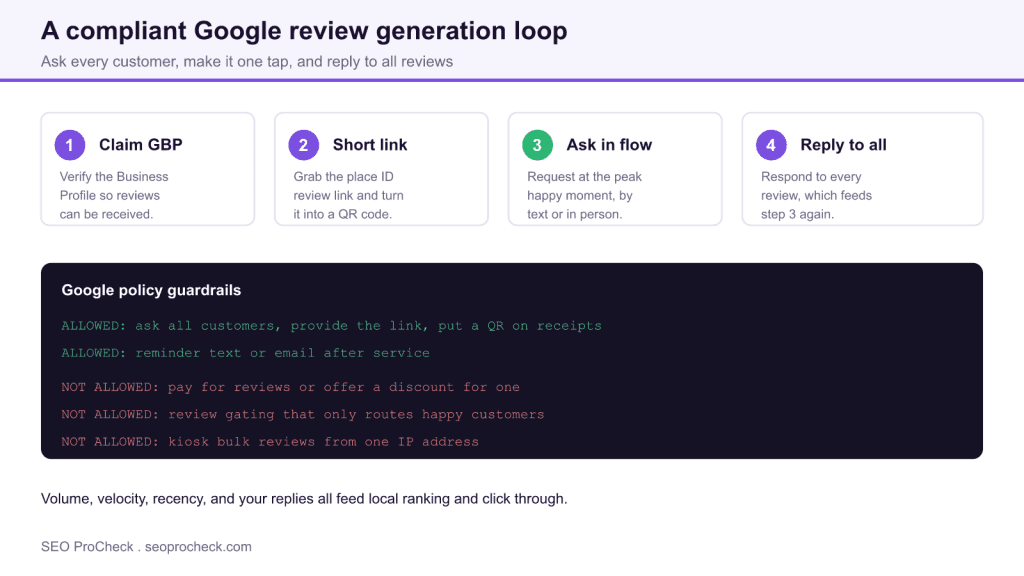
The reliable way to get more Google reviews is to ask every customer with a one tap review link at the moment they are happiest, then reply to every review you receive. Volume, recency, and your responses all feed local pack ranking, so treat review generation as a standing process, not a one off campaign.
- Create a direct review link from your Business Profile and turn it into a QR code and a short URL.
- Ask by text or in person at the peak happy moment, when the value you delivered is fresh.
- Never pay for reviews, offer discounts for them, or gate out unhappy customers, all of which violate Google policy.
- Respond to every review, positive and negative, ideally within a day or two.
Why Google reviews move the needle
Reviews are one of the strongest local ranking factors and the single biggest driver of whether a searcher clicks your listing over a competitor. Google weighs the total count, the star rating, how recently reviews arrived, the presence of relevant keywords in the text, and whether the business owner responds. A profile with a steady drip of fresh reviews outperforms one that collected forty reviews two years ago and then went quiet. That is why the goal is a repeatable loop rather than a burst.
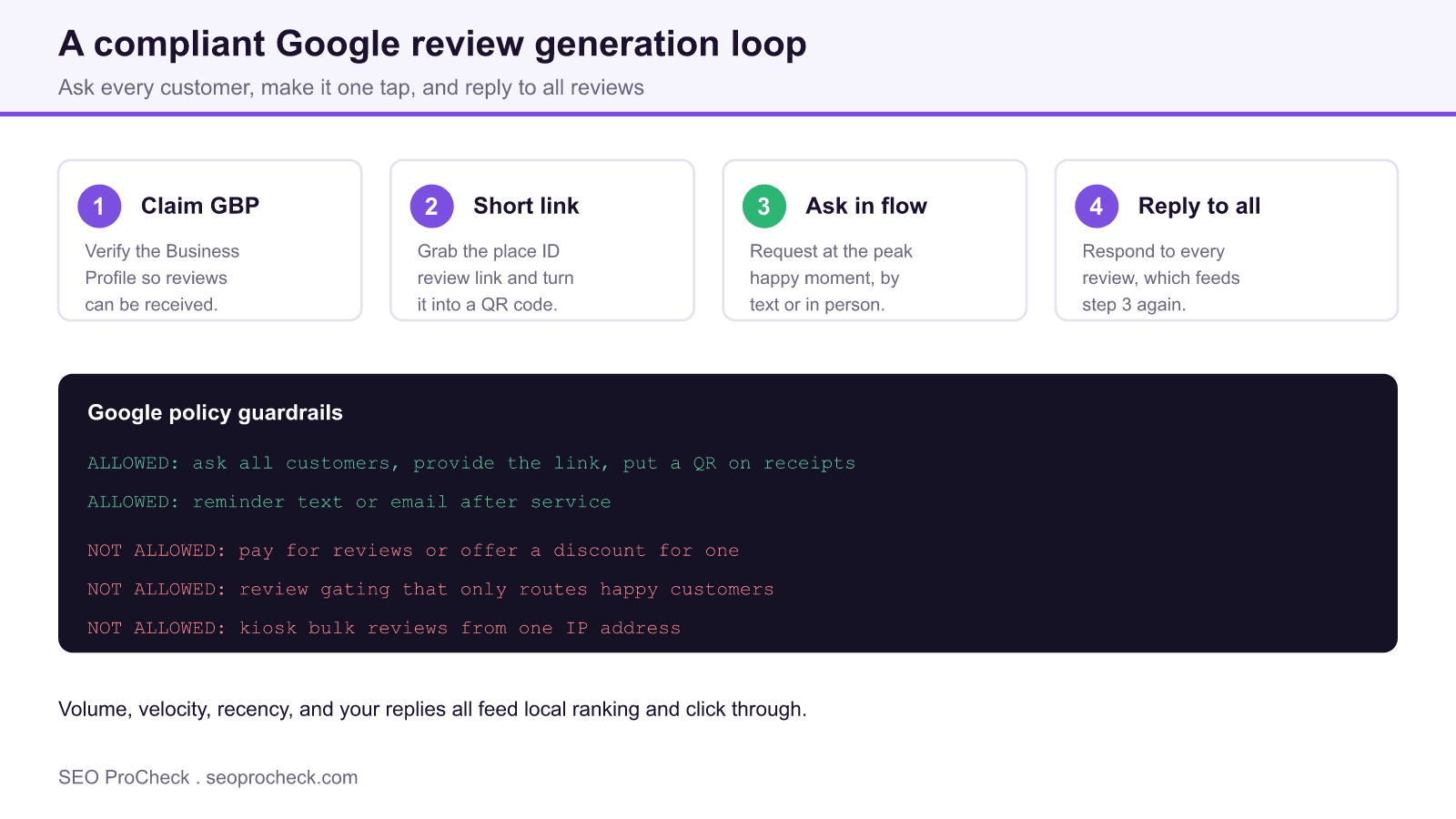
Step 1: claim and verify your Business Profile
You cannot receive reviews on a profile you do not control, and you cannot reply to them either. Claim and verify your Google Business Profile first, confirm the name, address, and phone match your website and citations exactly, and pick the correct primary category. If your listing is unverified or your citations disagree with each other, fix that before you drive review traffic. Our note on fixing missing local citations covers the consistency work that underpins everything else.
Step 2: build a one tap review link
The friction between a happy customer and a posted review is where most requests die. Remove it. In your Business Profile dashboard use the Get more reviews tool to copy your direct review link, which opens the five star dialog immediately. Shorten it with your own domain or a link shortener, and generate a QR code you can print on receipts, table tents, and packaging. Save the link as a saved reply on your phone so staff can send it in seconds.
Step 3: ask in the flow at the peak moment
Ask when the customer is happiest: right after a successful install, at checkout when they compliment the service, or when a support ticket closes with a thank you. A personal, specific ask converts far better than a generic mass blast. For service businesses, a same day follow up text with the direct link is the highest converting channel. For retail and hospitality, the printed QR at the point of sale captures people while they are still on site. Whatever the channel, ask every customer, not just the ones you assume will be positive.
Step 4: reply to every review
Responding is not just courtesy, it is a ranking and conversion signal. Thank positive reviewers by name and reference a detail from their visit. For negative reviews, reply calmly, acknowledge the issue, and move the resolution offline. Prospects read your responses as closely as the reviews themselves, and Google has confirmed that responding to reviews is encouraged. Reviews plus your replies are also what a review schema can surface, so pair this with correct markup as described in our guide to missing local schema.
Stay inside Google policy
The fastest way to lose reviews, or the whole listing, is to break the rules. The table below separates what is allowed from what is prohibited under the Google review policies.
| Tactic | Status | Why |
|---|---|---|
| Ask every customer for a review | Allowed | Soliciting reviews broadly is fine |
| Printed QR on receipts and packaging | Allowed | Reduces friction without incentive |
| Paying for reviews or offering a discount | Prohibited | Incentivized reviews violate policy |
| Review gating that filters out unhappy customers | Prohibited | Selective solicitation is banned |
| Bulk reviews from a single kiosk or IP | Prohibited | Triggers spam filtering and removal |
Measure and keep the loop running
Track new reviews per month, average rating, response rate, and response time. If review velocity stalls, the ask step has usually broken down, so audit whether staff are actually sending the link. When negative reviews cluster around one theme, treat that as product feedback, not just a reputation problem. If your listing is showing few or no reviews at all, work through our checklist on why a business has no local reviews to find the gap.
Frequently asked questions
How do I get my direct Google review link?
Open your Google Business Profile, choose the Get more reviews or Ask for reviews option, and copy the short link it generates. That link opens the star rating dialog directly, so shorten it and add a QR code for print use.
Can I offer a discount in exchange for a review?
No. Incentivizing reviews with money, discounts, or free products violates Google policy and can get reviews removed or the profile penalized. You may ask for honest feedback, but never tie a reward to it.
Why do my reviews keep disappearing?
Google filters reviews it suspects are fake, incentivized, or posted in bulk from one device or network. Reviews from kiosks, VPNs, or coordinated bursts are the usual casualties. Spread requests across real customers on their own devices.
How many reviews do I need to rank in the local pack?
There is no fixed number. What matters is being competitive with the other businesses ranking for your terms in your area, and keeping reviews recent. Steady monthly velocity usually beats a large but stale total.
Should I respond to negative reviews?
Yes, always. A calm, professional reply that acknowledges the concern and offers to resolve it offline reassures future customers far more than the negative review harms you. Silence looks worse than the complaint.
Is it against the rules to ask customers for reviews?
No. Asking customers for reviews is explicitly allowed. What is not allowed is asking selectively to screen out unhappy customers, or rewarding people for leaving one.
Take this with you
The assistant links open with a question about this page already written.
Claude Vincent is a technical SEO consultant focused on crawlability, rendering, and AI-search visibility. He writes the field guides and case studies at SEO ProCheck, with a bias toward the durable, unglamorous work that decides whether search engines and AI answer engines can actually read and cite a site.
About SEO ProCheck
Technical SEO consulting and GEO strategy with 20 years of enterprise experience. Case studies, resources, and tools for search and AI visibility.
Work With Me
Technical SEO audits, GEO strategy, site migrations, and international SEO. Hourly consulting for teams who need hands-on support, not just reports.
Subscribe to our newsletter!








Recent Posts
- Google Algorithm Updates: The Dated List Since 2003, and What to Do After Each October 31, 2026
- AI Readiness: The Checklist, the Research and the Free Tools October 28, 2026
- AI Readiness Checklist (2026): 51 Checks, Each With Its Source October 28, 2026