

How to Submit a Sitemap to Google
- January 20, 2025
- Crawlability and Indexation, Technical SEO
AI Summary
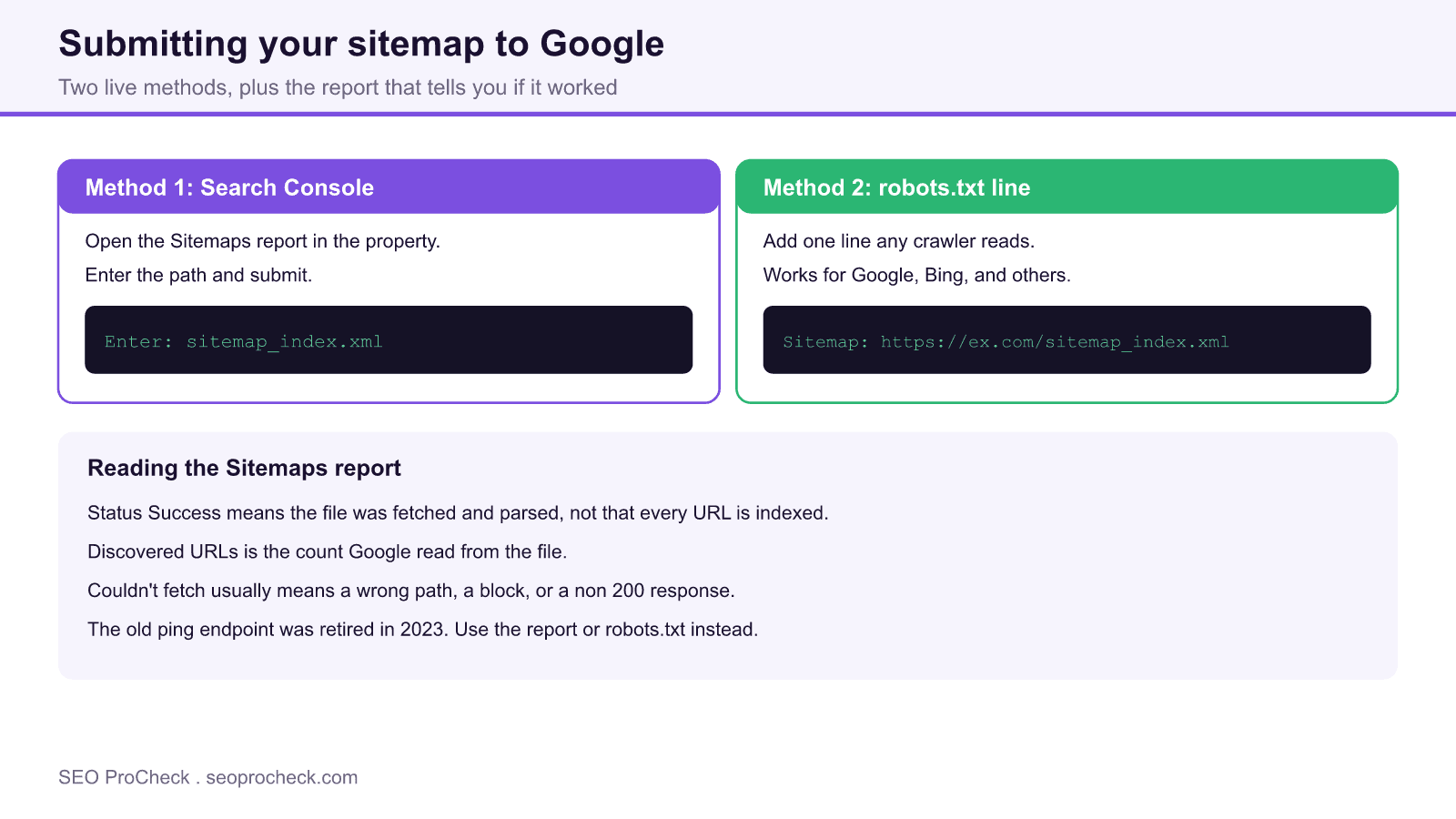
Submit your sitemap to Google in the Search Console Sitemaps report by entering the file path and clicking Submit, and add a Sitemap line to robots.txt as a second, always on signal. The report then shows whether Google could fetch and parse the file, which is the confirmation you are looking for.
- You need a verified Search Console property for the exact domain or URL prefix first.
- Enter the path such as sitemap_index.xml in the Sitemaps report and submit.
- Add
Sitemap: https://example.com/sitemap_index.xmlto robots.txt so any crawler finds it. - Status Success means fetched and parsed, not that every URL is indexed.
Why submit a sitemap at all
Google can discover your sitemap on its own if you reference it in robots.txt, but submitting it explicitly in Search Console gives you something more valuable than faster discovery: a feedback loop. The Sitemaps report tells you whether Google could read the file, how many URLs it found, and when it last fetched it. That turns a silent process into a diagnostic you can act on. Submission does not force indexing, it aids discovery and gives you reporting, and you should have a valid sitemap ready first. If you have not built one yet, start with our guide on how to create an XML sitemap.
Before you start: verify the property
You can only submit a sitemap for a Search Console property you own. If you have not verified the site, add it as either a Domain property, which covers every subdomain and protocol through a DNS record, or a URL prefix property tied to one exact origin. Verify first, then submit, because the Sitemaps report only appears inside a verified property.
Method 1: the Search Console Sitemaps report
This is the primary method and the only one that gives you reporting.
- Open Search Console and select the correct property.
- In the left menu under Indexing, click Sitemaps.
- In the Add a new sitemap field, enter the path relative to your domain, for example
sitemap_index.xmlorsitemap.xml. Do not paste the full URL twice, the domain is already prefilled. - Click Submit.
Within minutes to a day the status updates. Success means Google fetched and parsed the file. It does not mean every listed URL is indexed, only that the file itself is valid and readable.
Method 2: the robots.txt reference
Add a single line to your robots.txt file so any compliant crawler, including Bing and others, can find the sitemap without manual submission:
Sitemap: https://example.com/sitemap_index.xmlUse the absolute URL here, unlike the relative path in the Search Console field. This method has no reporting, so treat it as a complement to Method 1, not a replacement. Note that the old ping URL that let you notify Google by fetching a special endpoint was retired in 2023, so do not rely on any tutorial that still recommends it.
Reading the Sitemaps report
Once submitted, the report is where you confirm health over time. Here is what the key states mean.
| Status or field | What it means | Action |
|---|---|---|
| Success | File fetched and parsed cleanly | Nothing, monitor periodically |
| Has errors | Parsed but some entries are invalid | Open the detail and fix listed URLs |
| Couldn't fetch | Wrong path, block, or non 200 response | Confirm the URL loads and is not blocked |
| Discovered URLs | Count of URLs Google read from the file | Compare against your expected total |
Troubleshooting a sitemap that will not submit
If you see Couldn't fetch, open the sitemap URL directly in a browser to confirm it returns 200 and valid XML. Check that robots.txt is not disallowing the sitemap path, that the file is not behind authentication, and that you entered the path in the right property. A stray noindex or block is a frequent culprit, which is where our meta robots and x-robots-tag reference helps you rule out directive conflicts. Once Google fetches the file, indexing of the listed pages still depends on their quality and canonicalization.
Do the same for Bing
Google is not the only engine that matters. Submit the same sitemap in Bing Webmaster Tools to cover Bing and the engines that syndicate its index. Our walkthrough on how to set up Bing Webmaster Tools covers verification and submission there.
Frequently asked questions
Do I have to submit my sitemap, or will Google find it?
Google can find a sitemap referenced in robots.txt on its own, but submitting it in Search Console gives you a report on whether it was fetched, how many URLs it holds, and any errors. That reporting is the reason to submit explicitly.
What path do I enter in Search Console?
Enter the path relative to your domain, such as sitemap_index.xml or sitemap.xml, because Search Console already fills in the domain. In robots.txt, by contrast, you use the full absolute URL.
How long until Google processes it?
Fetching usually happens within minutes to a day, and the status updates accordingly. Actual crawling and indexing of the listed URLs takes longer and depends on each page, so a Success status is confirmation of the file, not of indexing.
Why does it say Couldn't fetch?
That almost always means a wrong path, a robots.txt block, authentication in the way, or a non 200 response. Load the sitemap URL directly to confirm it returns valid XML and is publicly reachable, then resubmit.
Can I still ping Google to notify it of updates?
No. Google retired the sitemap ping endpoint in 2023. Rely on the Search Console report and the robots.txt reference, and Google will refetch the file on its own schedule.
Should I resubmit every time I publish?
No. Once a sitemap is submitted, Google refetches it periodically, so you do not resubmit for each new post. Only resubmit if you change the sitemap location or fix an error.
Take this with you
The assistant links open with a question about this page already written. Nothing is sent until you press enter.
Claude Vincent is a technical SEO consultant focused on crawlability, rendering, and AI-search visibility. He writes the field guides and case studies at SEO ProCheck, with a bias toward the durable, unglamorous work that decides whether search engines and AI answer engines can actually read and cite a site.
About SEO ProCheck
Technical SEO consulting and GEO strategy with 20 years of enterprise experience. Case studies, resources, and tools for search and AI visibility.
Work With Me
Technical SEO audits, GEO strategy, site migrations, and international SEO. Hourly consulting for teams who need hands-on support, not just reports.
Subscribe to our newsletter!








Recent Posts
- Most Top Sites Never Say Who They Are in Structured Data October 14, 2026
- Homepage Titles Are Mostly Too Short, Not Too Long October 8, 2026
- Who Actually Serves an llms.txt? 184 Top Sites Measured September 29, 2026