

AI Summary
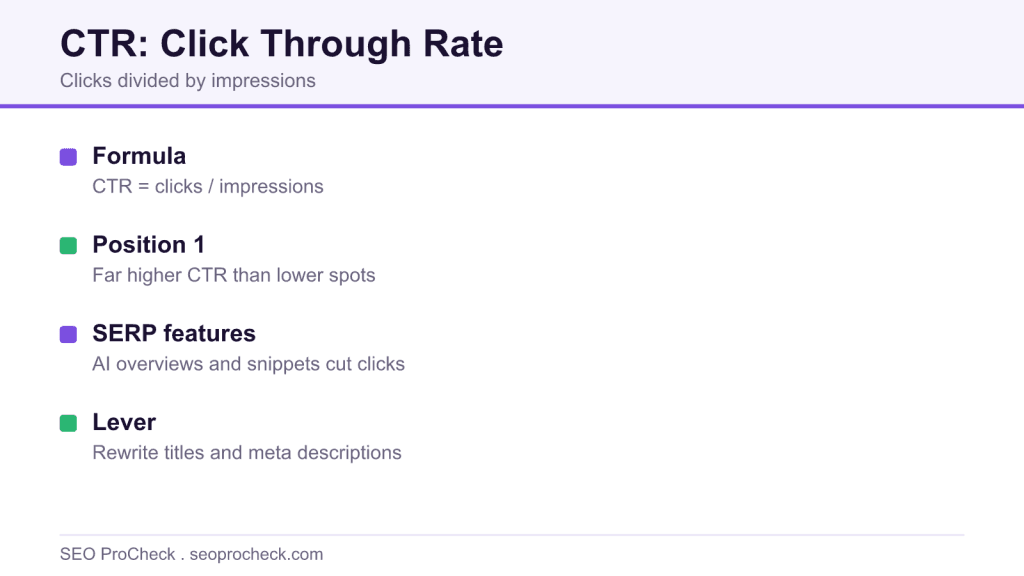
Click through rate is the share of people who see your result and click it, calculated as clicks divided by impressions. In Google Search Console it is your clearest read on how compelling your title and snippet are at a given position.
- CTR equals clicks divided by impressions, reported per query in Search Console.
- CTR falls steeply as average position drops, so position one dwarfs position ten.
- SERP features such as AI overviews and featured snippets can absorb organic clicks.
- Google treats CTR as noisy behavioral data, not a simple direct ranking lever.
What CTR Is
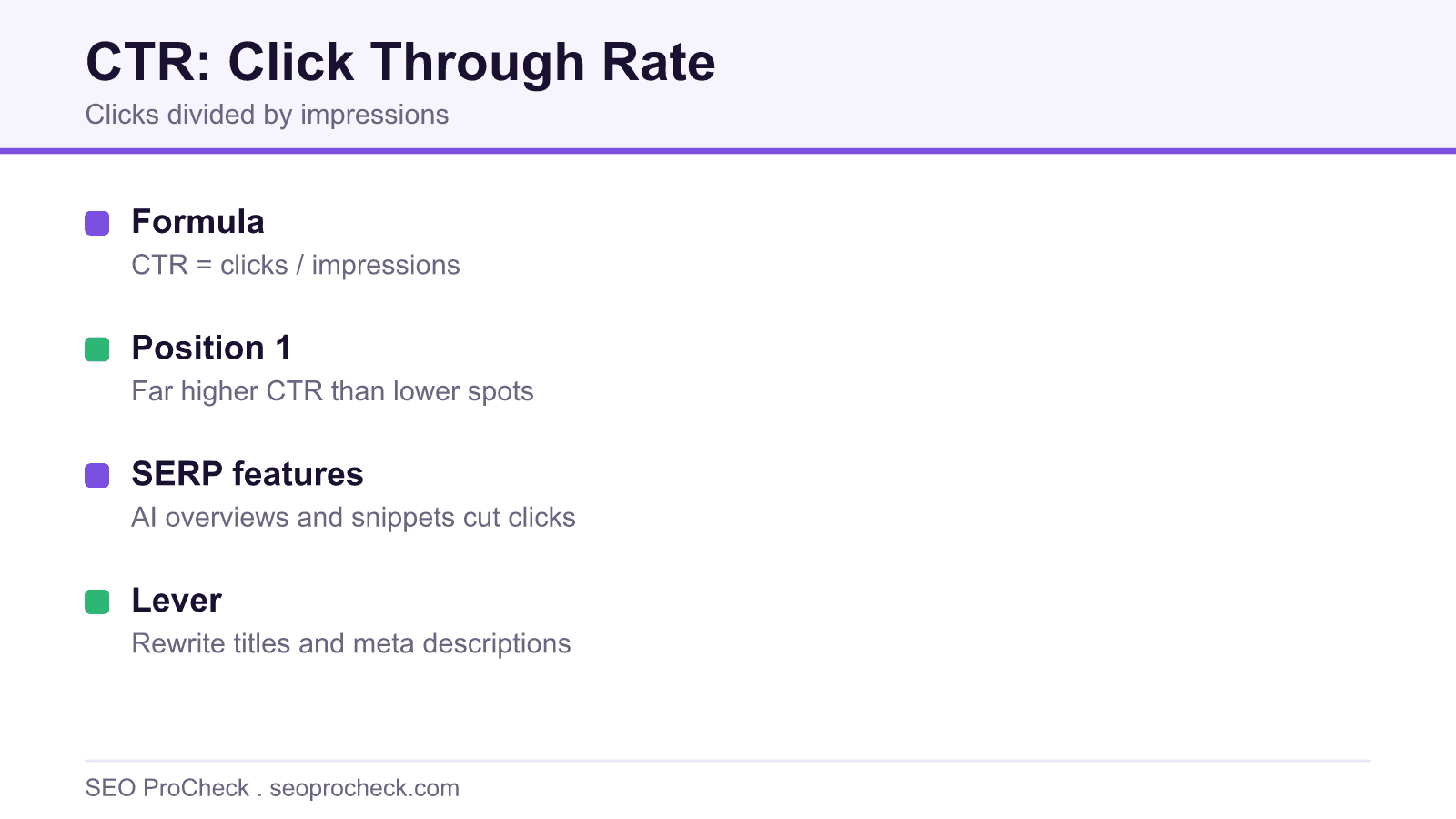
Click-through rate is clicks divided by impressions, the share of people who saw your result and actually chose it. It matters because it's the one lever that grows traffic without ranking a single position higher: same position, better snippet, more clicks.
In Google Search Console, the formula is exactly clicks ÷ impressions × 100, using GSC's specific definitions of both, and those definitions have real quirks, which is why CTR only makes sense read alongside impressions and average position. The three form one system; any one of them alone will lie to you.
CTR and Position: The Honest Version
Every position-CTR curve you've seen has the same shape: position 1 takes a dramatically outsized share of clicks, and the drop-off from there is steep and non-linear, the fall from 1 to 3 costs you more than the fall from 5 to 10. Beyond that shape, be suspicious of any table of universal percentages, because CTR at a given position varies wildly by query intent (branded queries at #1 can approach near-total capture; informational queries split clicks across the page), by SERP layout, and by device. We ran the numbers ourselves across a large dataset, the full breakdown is in our 4-million-results CTR study, and the deepest finding wasn't the curve itself, it's how much the curve moves depending on what else Google puts on the page.
SERP Features That Eat Your CTR
Your true competition for the click often isn't the site above you, it's the furniture Google installed between the searcher and the organic results.
| SERP Feature | Effect on Organic CTR | What You Can Do |
|---|---|---|
| AI Overviews | Answers many informational queries above every organic link, pushing the whole result set down and absorbing clicks that used to reach position 1 to 3 | Target queries where a summary can't satisfy (tools, data, transactions); structure content to be citable inside the overview |
| Featured snippet | Splits the top of the page: owning it captures the query's best real estate, but for simple questions it answers in place and nobody clicks anything | Win it for queries where the snippet teases rather than completes the answer |
| Ads (3 to 4 above the fold) | On commercial queries, organic position 1 can render below the viewport, "ranking #1" while being invisible on load | Accept that high-commercial-intent CTR benchmarks are structurally lower; judge accordingly |
| People Also Ask | Intercepts mid-page attention and spins users into new queries instead of your result | Answer PAA-style questions in your content; each expansion is another impression opportunity |
| Local pack | On any query with local intent, the map block takes the lion's share before organic begins | If you're local, fight for the pack itself; the blue links below it are the consolation bracket |
| Sitelinks & rich results | The rare positive: stars, prices, FAQ drop-downs and sitelinks make a result physically bigger and more clickable at the same position | Implement eligible structured data, one of the few CTR levers entirely in your control |
How to Check CTR
- Open Search Console → Performance → Search results and enable all four metrics (clicks, impressions, CTR, position).
- Never read sitewide CTR, it's an average across thousands of unrelated queries. Go to the Queries tab and work query by query.
- Filter to a single page (+ New → Page), then look at its queries: you want position and CTR side by side per query.
- Hunt the money segment: queries at position 3 to 10 with CTR conspicuously below their neighbors at similar positions. Those are snippet-rewrite candidates.
- Check the actual SERP for those queries in an incognito window, a "low" CTR often turns out to be an AI Overview or ad wall, not a boring title.
- After rewriting a title or meta description, annotate the date and compare the query's CTR over the following 4 to 6 weeks at the same position band.
Common Mistakes (and Fixes)
- Judging CTR without position. A 2% CTR is excellent at position 9 and a disaster at position 1. Fix: always evaluate CTR within a position band, never in isolation.
- Panicking over sitewide CTR drops. Ranking for more new, broad queries adds low-CTR impressions and drags the average down, while your actual clicks grow. Fix: diagnose at query level; celebrate the click line.
- Comparing branded and non-branded CTR. Brand queries convert impressions to clicks at rates nothing else can touch. Fix: segment them out (regex filter on your brand terms) before benchmarking.
- Rewriting titles for pages that don't rank yet. CTR optimization moves the needle at positions 1 to 10, where impressions are real. At position 40 your title is nearly irrelevant, that page has a ranking problem. Our meta description study quantifies where snippet changes actually pay off.
- Forgetting Google rewrites your snippets. The title you A/B tested may not be the title searchers saw. Fix: spot-check live SERPs for your key queries; the title tag guide covers how to write ones Google keeps.
FAQ
What's a good CTR in Google Search Console?
There is no single good number, it depends on position, branded share, and SERP layout. A useful habit: compare each query's CTR against your other queries at the same position. Outliers below the line are opportunities; outliers above it are lessons.
Is CTR a ranking factor?
Google's public line is that CTR isn't used directly. What the DOJ trial made undeniable is that aggregated click behavior feeds systems like NavBoost. The practical takeaway is unchanged either way: earning more clicks from the same position is pure profit, whatever the algorithm does with it.
Why did my CTR drop while rankings stayed flat?
Usually the SERP changed, not you: a new AI Overview, more ads, a fresh featured snippet, or a competitor's rich result. Load the SERP and look before touching your titles.
Does CTR from ads affect organic CTR?
They're measured separately, but they interact on the page: running ads on your own brand terms cannibalizes some organic clicks and lowers organic CTR while total clicks may hold. Measure the pair, not the halves.
How long until a title rewrite shows in CTR data?
Google usually re-crawls and re-renders the snippet within days, but give the data 4 to 6 weeks so you're comparing stable position bands rather than day-to-day SERP noise.
Related Reading
- We Analyzed 4 Million Google Search Results: CTR Statistics
- Impressions and Average Position, the other two-thirds of the GSC trio
- Title Tags and Meta Descriptions: The Complete Guide
Take this with you
The assistant links open with a question about this page already written. Nothing is sent until you press enter.
Claude Vincent is a technical SEO consultant focused on crawlability, rendering, and AI-search visibility. He writes the field guides and case studies at SEO ProCheck, with a bias toward the durable, unglamorous work that decides whether search engines and AI answer engines can actually read and cite a site.
About SEO ProCheck
Technical SEO consulting and GEO strategy with 20 years of enterprise experience. Case studies, resources, and tools for search and AI visibility.
Work With Me
Technical SEO audits, GEO strategy, site migrations, and international SEO. Hourly consulting for teams who need hands-on support, not just reports.
Subscribe to our newsletter!








Recent Posts
- Most Top Sites Never Say Who They Are in Structured Data October 14, 2026
- Homepage Titles Are Mostly Too Short, Not Too Long October 8, 2026
- Who Actually Serves an llms.txt? 184 Top Sites Measured September 29, 2026