

AI Summary
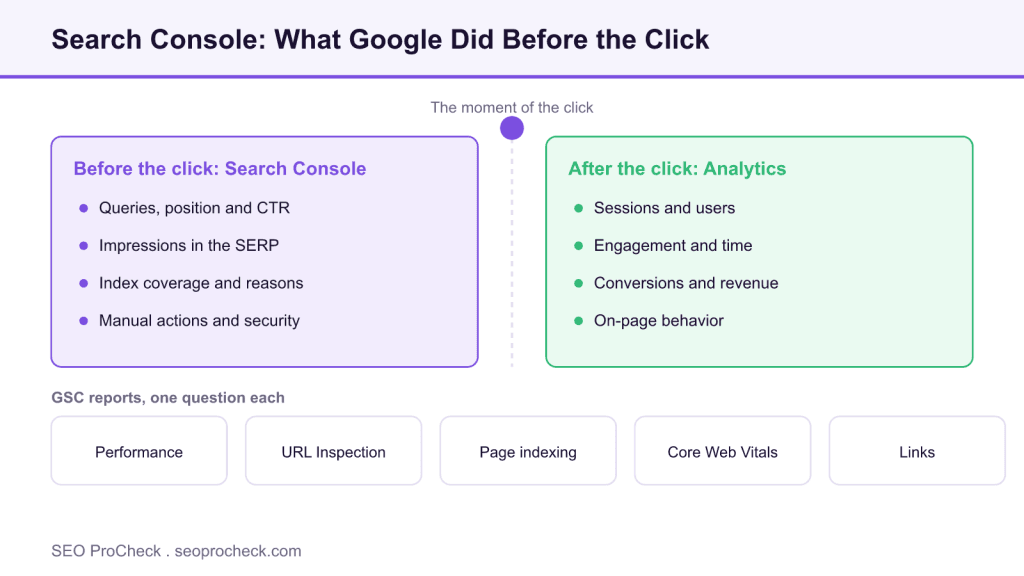
Google Search Console is Google's free tool for seeing how your site performs in Google Search: the queries you appear for, the pages Google indexed, and the problems between you and either. It is the only firsthand source of your query, index coverage, and manual action data, which analytics can never show you.
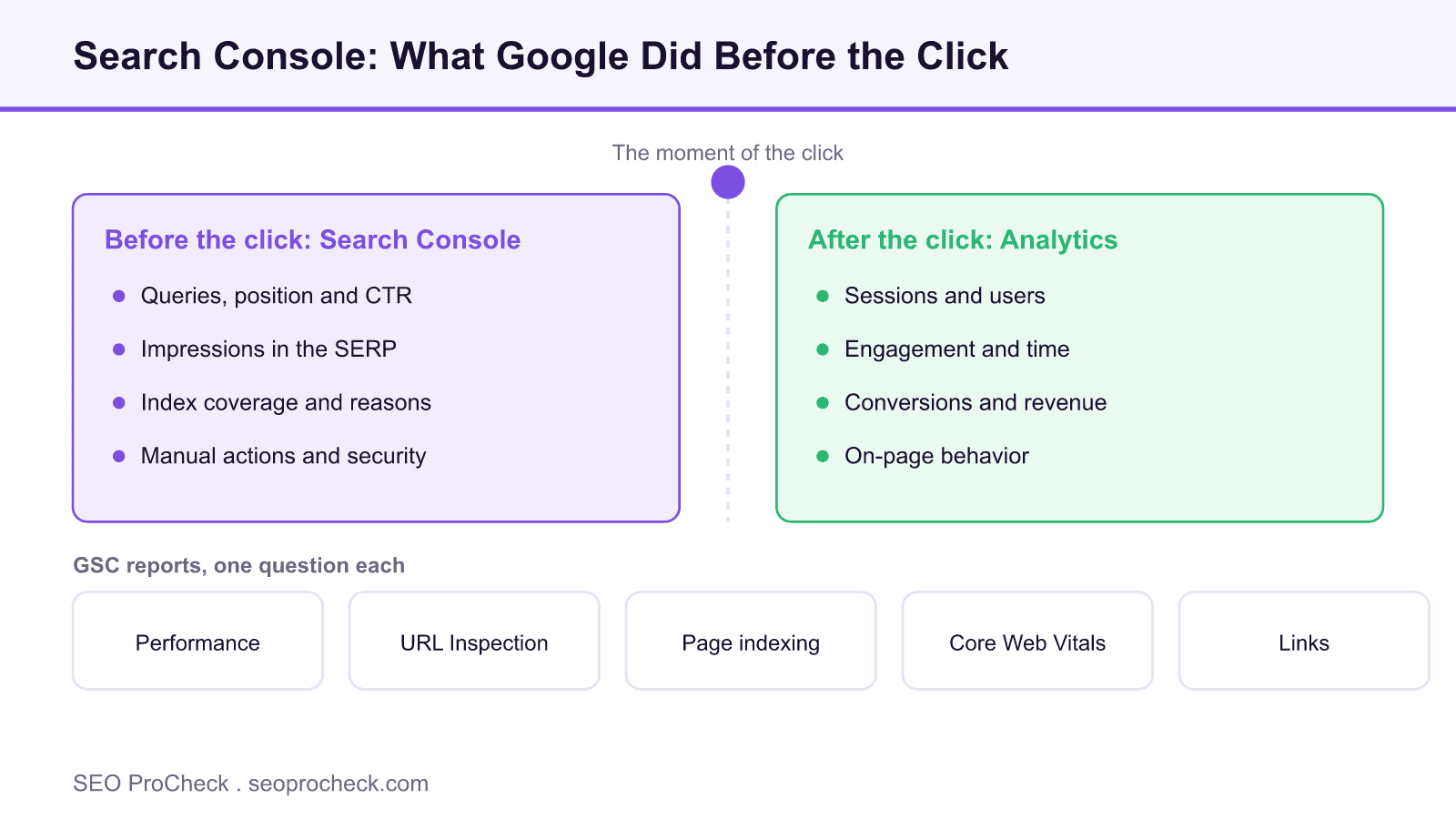
- Search Console reports everything before the click; analytics reports sessions and behavior after it.
- It is the only remaining source of your real organic query data after Analytics lost keywords to not provided.
- The Performance report keeps just 16 months of history and caps the UI at 1,000 rows, so export early.
- Use a Domain property so https, http, www, and non www all report in one place.
What Google Search Console Is
Google Search Console (GSC) is Google's free tool for monitoring how your site performs in Google Search, the queries you appear for, the pages Google has indexed, and the problems standing between you and either. If Analytics tells you what visitors did on your site, GSC tells you what Google did with it, and no other tool on earth has that data firsthand.
What GSC Has That Analytics Never Will
The two tools get lumped together constantly, but they measure opposite sides of the click. Google Analytics starts counting when someone lands on your page; Search Console sees everything that happened before that. Concretely, GSC gives you three things Analytics cannot:
- Queries. The actual search terms that produced impressions and clicks, with position and CTR. Analytics lost organic keywords to "(not provided)" over a decade ago; GSC is the only source left.
- Index coverage. Which URLs Google has indexed, which it discovered and skipped, and why, "Crawled, currently not indexed," "Duplicate without user-selected canonical," redirect errors, the whole taxonomy. Analytics can only measure pages that already get traffic; GSC shows you the pages Google refuses to send traffic to.
- Manual actions and security issues. If a human reviewer at Google penalizes your site or Google flags it as hacked, GSC is where the notice arrives. There is no other channel.
Its limits are just as important to know: the Performance report keeps only 16 months of history, the UI shows at most 1,000 rows per report (the API goes much deeper), and a chunk of your query data is withheld as anonymized queries for privacy, so your visible query clicks will never sum to your total clicks. Plan exports and archiving accordingly, because data older than 16 months is simply gone.
GSC Reports and the Question Each One Answers
| Report | The question it answers |
|---|---|
| Performance (Search results) | Which queries and pages earn impressions and clicks, at what position and CTR? |
| URL Inspection | What does Google know about this exact URL, indexed, canonical chosen, last crawl, mobile rendering? |
| Page indexing | Which URLs are in the index, which are not, and what reason does Google give for each exclusion? |
| Sitemaps | Did Google fetch my sitemaps, and how many of the submitted URLs made it in? |
| Removals | Can I temporarily hide a URL from search results while I fix something? |
| Core Web Vitals | How do real Chrome users experience my pages (LCP, INP, CLS), grouped by URL pattern? |
| Links | Which external sites link to me most, and what does my internal linking actually look like to Google? |
| Manual actions / Security issues | Has Google penalized or flagged the site? (The report you hope stays empty forever) |
| Crawl stats (under Settings) | How often is Googlebot hitting the site, what response codes does it get, and is crawling healthy? |
How to Set It Up and Check It
- Go to search.google.com/search-console and add a property, choose a Domain property (verified via DNS) so you capture every subdomain and protocol in one place.
- Submit your XML sitemap under Sitemaps and confirm it reads "Success."
- Open Page indexing and review each exclusion reason; worry about patterns (hundreds of URLs sharing one reason), not individual stragglers.
- In Performance, set the date range to 16 months, compare the last 6 months to the prior 6, and sort by click change to spot decaying pages early.
- Set a recurring export (or use the API / Looker Studio connector) so you keep history beyond the 16-month window.
Common Mistakes and Fixes
- Comparing GSC clicks to GA4 sessions and panicking at the gap. Clicks are counted by Google before the page loads; sessions require your tag to fire. Ad blockers and consent banners guarantee a difference. Fix: track each metric against its own history, not against each other.
- Trusting average position as a rank tracker. It averages every impression across every query, country, and device, one impression at position 94 for a junk query drags it down. Fix: filter to a specific query and page before reading position, or use a dedicated rank tracker.
- Reading the 1,000-row UI export as "all my data." Long-tail queries live below that cutoff. Fix: pull the Search Analytics API or the bulk BigQuery export when the analysis matters.
- Treating every "Crawled, currently not indexed" as an emergency. Some exclusion is normal, especially for thin, near-duplicate, or freshly published URLs. Fix: triage by URL pattern and business value before burning a sprint on it.
- Verifying only a URL-prefix property. https vs http and www vs non-www each need their own prefix property, and it is easy to stare at the wrong one. Fix: use a Domain property and the ambiguity disappears.
Google Search Console FAQ
Is Search Console data sampled?
Not sampled in the classic sense, but it is filtered: anonymized (rare) queries are withheld, the UI caps rows, and some reports aggregate by URL pattern. Totals are reliable; the row-level detail is deliberately incomplete.
How long does GSC keep data?
16 months in the Performance report. If you want year-over-two-years comparisons, you must export and store the data yourself, start today, thank yourself later.
Does submitting a sitemap make Google index my pages?
No. A sitemap is a discovery aid, not an indexing command. Google still decides what deserves indexing based on quality and demand signals.
Why do impressions rise while clicks stay flat?
Usually you gained rankings on page two or in features people see but do not click, or AI Overviews and other SERP features are absorbing the click. Check average position and query mix before celebrating or mourning.
Can GSC tell me about traffic from Bing or ChatGPT?
No, it covers Google Search only. Bing has its own Webmaster Tools, and AI-assistant referrals show up in your analytics as referral traffic, which is one reason to read GSC alongside your organic traffic reports rather than instead of them.
Going Deeper
The Page Indexing report walkthrough covers how to read and fix each exclusion type, and finding and fixing index coverage errors in GSC works through the classic error states. For the measurement-side comparison, see Google Analytics vs Search Console data.
Take this with you
The assistant links open with a question about this page already written.
Claude Vincent is a technical SEO consultant focused on crawlability, rendering, and AI-search visibility. He writes the field guides and case studies at SEO ProCheck, with a bias toward the durable, unglamorous work that decides whether search engines and AI answer engines can actually read and cite a site.
About SEO ProCheck
Technical SEO consulting and GEO strategy with 20 years of enterprise experience. Case studies, resources, and tools for search and AI visibility.
Work With Me
Technical SEO audits, GEO strategy, site migrations, and international SEO. Hourly consulting for teams who need hands-on support, not just reports.
Subscribe to our newsletter!








Recent Posts
- Google Algorithm Updates: The Dated List Since 2003, and What to Do After Each October 31, 2026
- AI Readiness: The Checklist, the Research and the Free Tools October 28, 2026
- AI Readiness Checklist (2026): 51 Checks, Each With Its Source October 28, 2026