

AI Summary
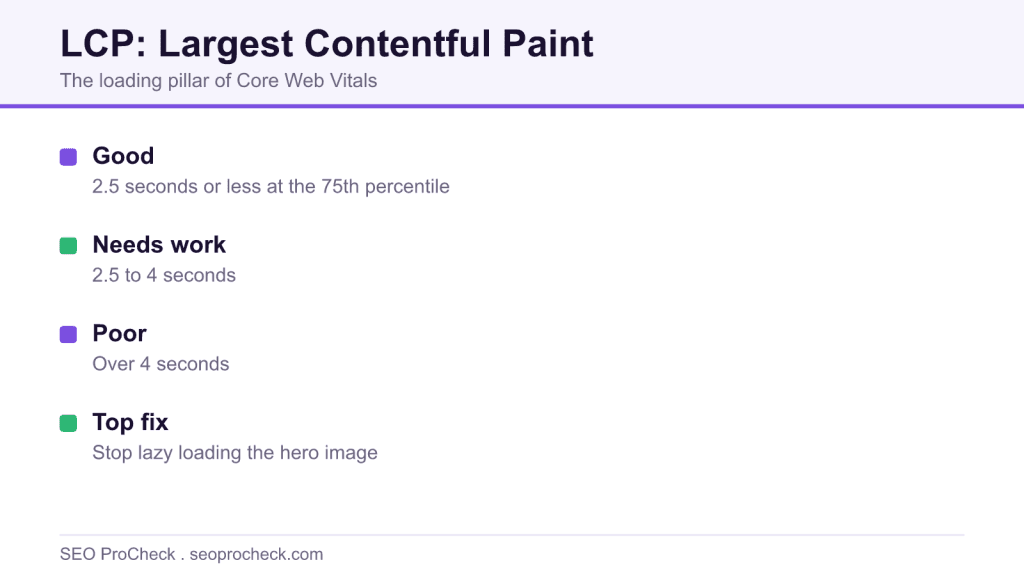
Largest Contentful Paint records the moment the largest visible element in the viewport finishes rendering, timed from navigation start. It is the loading pillar of Core Web Vitals, and Google treats 2.5 seconds or less at the 75th percentile of real visits as good.
- Good LCP is 2.5 seconds or less, 2.5 to 4 seconds needs improvement, over 4 seconds is poor.
- LCP decomposes into four phases: TTFB, resource load delay, load duration, and render delay.
- The single most common culprit is a lazy loaded hero image, usually a plugin default.
- Field data decides ranking, so treat the lab only as your diagnostic microscope.
Largest Contentful Paint (LCP) measures how long it takes, from the moment navigation starts, for the biggest content element in the viewport to finish rendering. It is the loading metric of Core Web Vitals, the closest thing we have to a number for "when did the page actually show up."
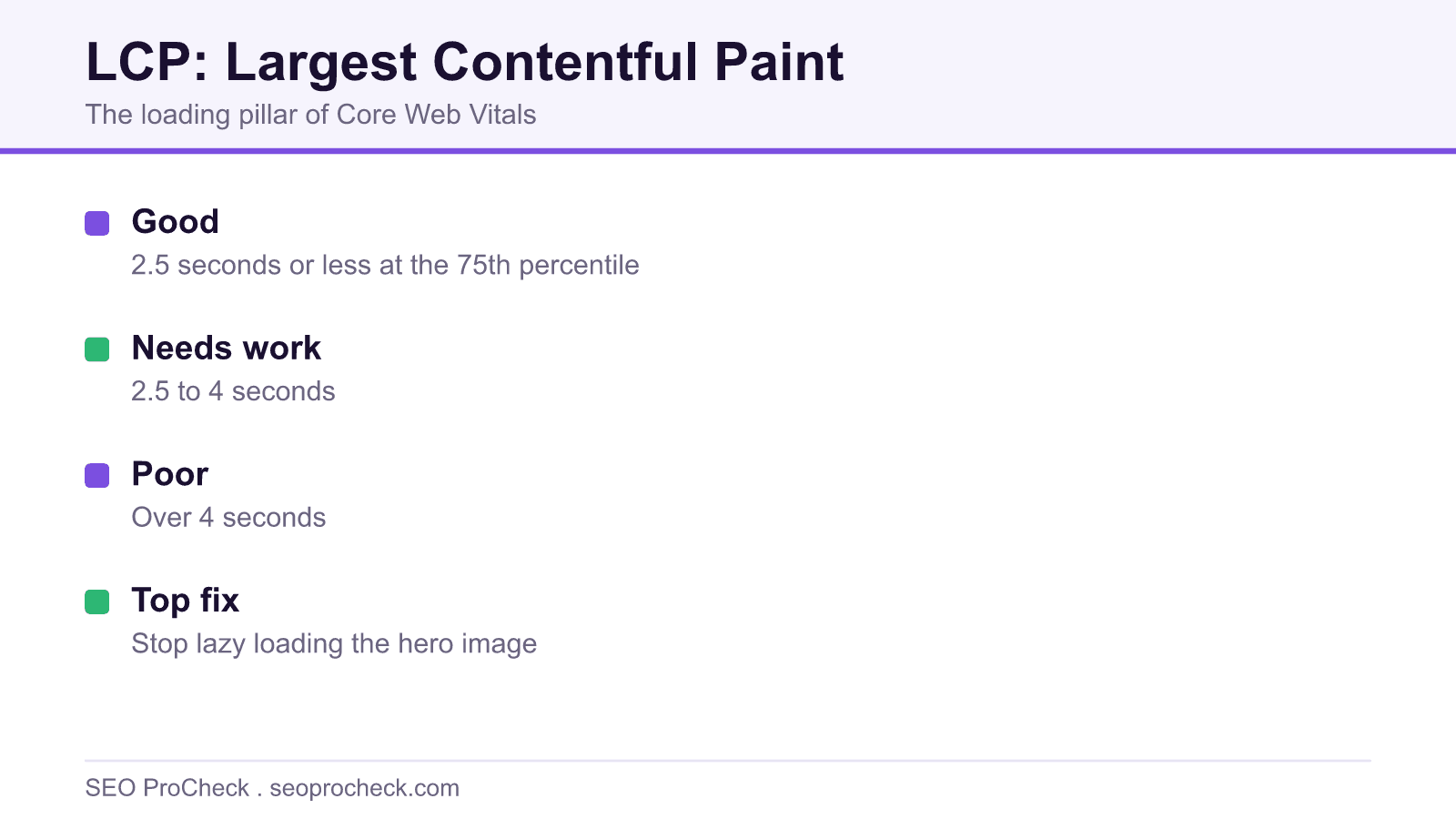
Google's thresholds, measured at the 75th percentile of real visits: good is 2.5 seconds or less, 2.5 to 4 seconds needs improvement, and anything over 4 seconds is poor. Users don't know the metric exists, but they behave like they do, the gap between a 2-second and a 5-second hero render is the gap between reading your page and hitting back.
The four sub-parts, and why they change everything about debugging
The single most useful thing to know about LCP is that it decomposes into four sequential phases. Attribute your LCP time to the right phase and the fix picks itself:
- Time to first byte, the server hasn't answered yet. Nothing else can start. (This is literally the TTFB metric, embedded inside LCP.)
- Resource load delay, the HTML arrived, but the browser hasn't started downloading the LCP image yet. Classic causes: the image URL only exists after JavaScript runs, it's set as a CSS background, or it's been lazy-loaded.
- Resource load duration, the image is downloading and it's taking a while. Cause: too many bytes, wrong format, no CDN.
- Element render delay, the image is downloaded but the browser can't paint it yet, usually because render-blocking CSS or a client-side rendering framework is holding the page hostage.
A rough budget for a healthy 2.5 s LCP: keep TTFB under ~0.8 s, load delay near zero, and split the remainder between download and render. In audits, the phase that's actually bloated is load delay far more often than load duration, the image was cheap, the browser just found out about it late.
What the LCP element usually is, and how each one goes wrong
| Typical LCP element | How it becomes slow | The fix that works |
|---|---|---|
Hero <img> | Lazy-loaded, oversized, or served as a 400 KB PNG | Remove loading="lazy", add fetchpriority="high", serve AVIF/WebP at display size |
| CSS background image | Browser can't see it until the stylesheet downloads and the element renders | Convert to a real <img>, or <link rel="preload" as="image"> it |
| Video poster frame | Poster loads after the player script initializes | Set the poster attribute in HTML, preload it |
| Headline text block | Webfont loads late, text held invisible by font-display: block | font-display: swap plus preloading the font file |
| Framework-rendered anything | Element doesn't exist until a JS bundle downloads, parses, and executes | Server-side render or statically generate the shell |
The two lines of HTML that fix most slow LCP images
<!-- In <head>: start the hero download before CSS is even parsed -->
<link rel="preload" as="image"
      href="/img/hero-1200.avif"
      imagesrcset="/img/hero-800.avif 800w, /img/hero-1200.avif 1200w"
      imagesizes="100vw"
      fetchpriority="high">

<!-- The element itself: eager, prioritized, dimensioned -->
<img src="/img/hero-1200.avif"
     srcset="/img/hero-800.avif 800w, /img/hero-1200.avif 1200w"
     sizes="100vw" width="1200" height="600"
     fetchpriority="high" alt="...">
And the one attribute that causes more slow LCP than any other: loading="lazy" on the hero. Lazy-loading exists to defer offscreen images; putting it on the largest thing in the viewport tells the browser to deprioritize your most important paint. WordPress themes and image plugins do this by default constantly, check your rendered HTML, not your source.
How to check LCP on your own site
- PageSpeed Insights: run the URL, read the field LCP first. Then scroll the lab diagnostics to the "Largest Contentful Paint element" audit, it names the exact element and, in recent versions, shows the four phase timings.
- Chrome DevTools Performance panel: record a reload with Slow 4G + 4x CPU throttling. Click the LCP marker in the Timings track, DevTools highlights the element and shows the phase breakdown.
- Search Console → Core Web Vitals: find which URL groups fail on LCP; fix the template, not the page.
- CrUX API: pull the LCP distribution (good/NI/poor buckets) for the origin to see how far you are from passing.
- web-vitals library:
onLCP(console.log)in the console tells you the LCP element on your actual device right now, including the attribution of which phase ate the time.
Mistakes that keep showing up in LCP audits
- Lazy-loading the hero image (see above, it's number one by a mile, and it's usually a plugin default nobody chose).
- Preloading the wrong image. The desktop hero gets preloaded, mobile users download it, then also download the actual mobile crop. Use
imagesrcseton the preload or media-scoped preloads. - Fading in the hero. A 500 ms opacity transition from 0 delays the "fully rendered" moment by 500 ms. Google's own case study library includes Shopify measuring exactly this. Animate something else.
- Optimizing images while TTFB is 1.8 s. Phases are sequential. Shaving 100 KB off the hero is irrelevant while the server spends two seconds thinking. Fix the earliest slow phase first.
- Trusting the lab element. The LCP element can differ by viewport, a headline on mobile, an image on desktop. Verify with field attribution before optimizing the wrong node.
Frequently asked questions
What counts as a "contentful" element?
Images (<img>, <svg> image, video poster frames, CSS background images loaded via url()) and block-level text elements. Notably excluded: full-viewport background decoration and elements with low "content" density, Chrome also ignores images that occupy the full viewport as likely backgrounds.
Can the LCP element change during load?
Yes. The browser emits LCP candidates as bigger elements render; the final value is the last candidate before first user interaction. A headline can be the LCP candidate at 1 s and lose the title to a hero image at 3 s, which is why "my text renders fast" doesn't save you.
Why is my lab LCP fine but field LCP poor?
Real users bring slow phones, cold caches, distant networks, and consent banners. Lab runs are one synthetic load on a fixed profile. Ranking uses the field number, the lab is only your microscope. More in field vs lab data.
Does TTFB count against LCP?
Entirely. LCP is measured from navigation start, so every millisecond of server think-time, redirect chains included, is inside your LCP budget before a single byte of HTML exists.
Where do I go deeper?
The complete LCP guide covers measurement internals and edge cases; how to improve LCP is the step-by-step remediation playbook.
Claude Vincent is a technical SEO consultant focused on crawlability, rendering, and AI-search visibility. He writes the field guides and case studies at SEO ProCheck, with a bias toward the durable, unglamorous work that decides whether search engines and AI answer engines can actually read and cite a site.
About SEO ProCheck
Technical SEO consulting and GEO strategy with 20 years of enterprise experience. Case studies, resources, and tools for search and AI visibility.
Work With Me
Technical SEO audits, GEO strategy, site migrations, and international SEO. Hourly consulting for teams who need hands-on support, not just reports.
Subscribe to our newsletter!







Recent Posts
- Can AI Crawlers Actually Read Your Site? I Measured 400 of the Biggest September 5, 2026
- The Pre-Publish Quality Gate for AI-Assisted Content August 6, 2026
- AGENTS.md vs llms.txt vs llms-full.txt: Which Agent File Does What July 18, 2026