

AI Summary
Crawl efficacy measures the time between publishing or updating a URL and Googlebot crawling it, which is a more actionable signal for most sites than raw crawl budget. You improve it by making important URLs easy to discover through sitemaps and internal links, and by removing crawl traps that waste Googlebot on low value paths.
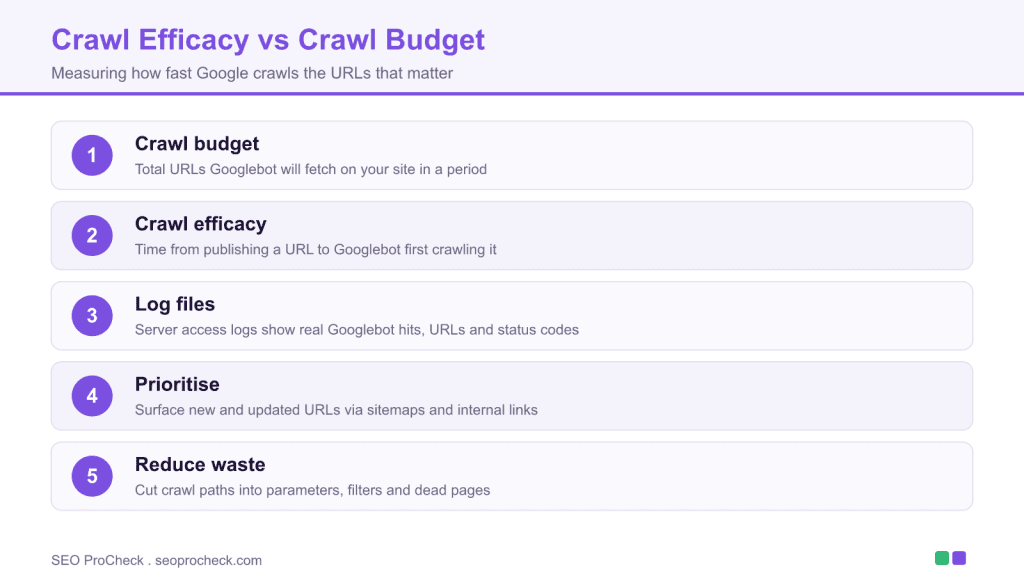
- Crawl budget is how many URLs Googlebot fetches; crawl efficacy is how quickly it fetches the ones that matter.
- Server log files are the source of truth for real Googlebot activity and status codes.
- The Search Console Crawl Stats report shows crawl volume, response codes and file types.
- Faster crawl of new content shortens both time to indexing and time to ranking.
Crawl budget versus crawl efficacy
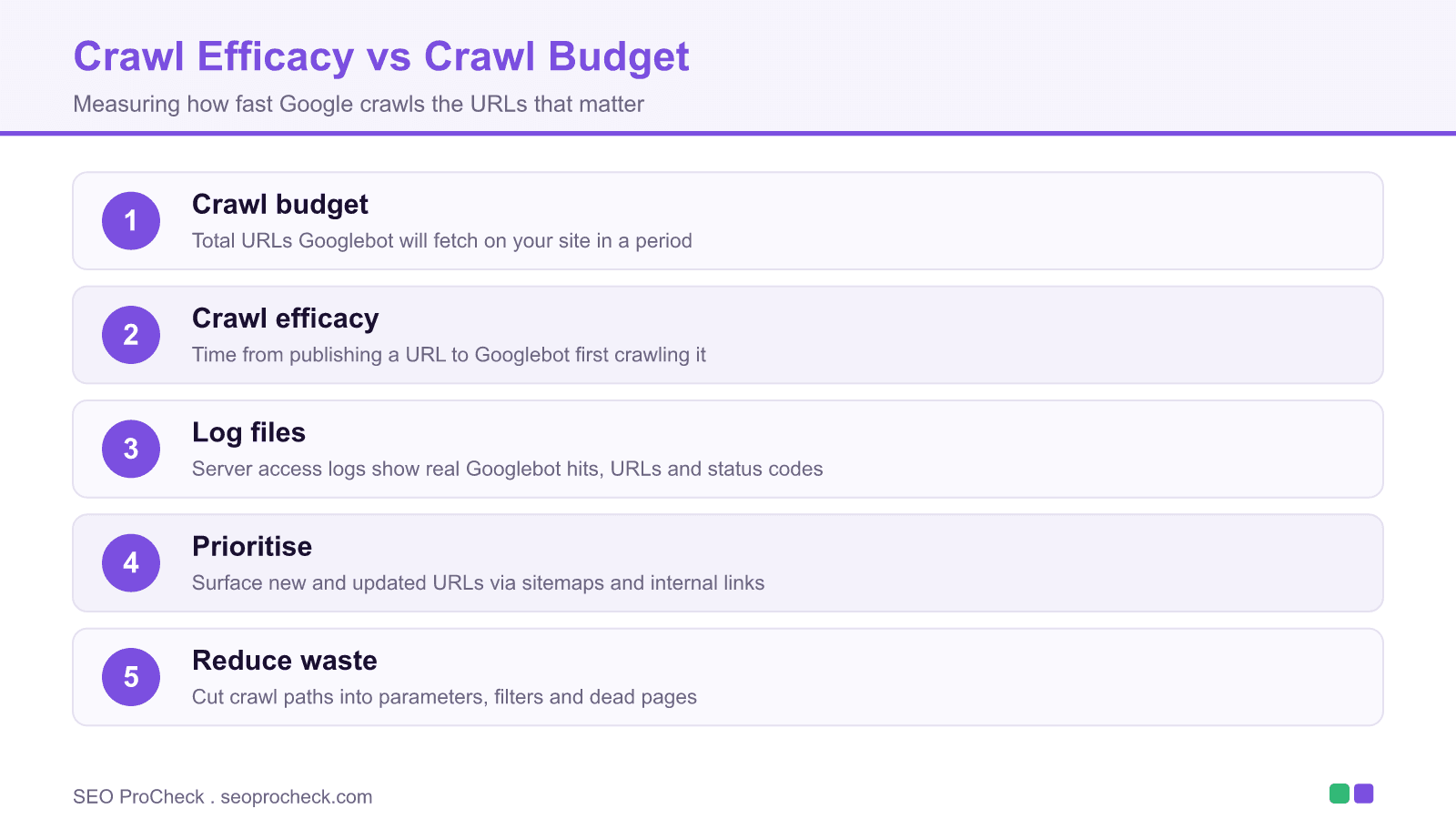
Crawl budget is the number of URLs Googlebot is willing to fetch on your site in a given period. It is a useful concept for very large sites, but it is hard to act on directly. Crawl efficacy reframes the problem around outcomes: how long does it take for a newly published or updated URL to be crawled? A site can have plenty of crawl budget and still perform poorly if that budget is spent on parameters, filters and redirect chains instead of the pages you care about.
How to measure crawl efficacy
The definitive source is your server access logs. Filter for the Googlebot user agent, then verify the requests are genuine by reverse DNS on the IP, because the user agent alone is easy to spoof. For each important URL, compare its publish or update timestamp against the timestamp of the first genuine Googlebot hit. The gap is your crawl efficacy for that URL. Aggregate across a set of URLs to spot patterns by template or directory.
For a lighter view without log access, open Search Console and go to Settings, then the Crawl Stats report. It shows total crawl requests over time, average response time, and a breakdown by response code, file type, purpose and Googlebot type. Rising average response times or a spike in 5xx responses both suppress crawling.
| Signal | Crawl budget | Crawl efficacy |
|---|---|---|
| Question it answers | How many URLs will Google fetch? | How fast does Google fetch the URLs that matter? |
| Best data source | Server logs, Crawl Stats totals | Publish time versus first crawl time in logs |
| Who should care | Very large sites, millions of URLs | Almost every site that publishes or updates content |
| Main lever | Reduce total crawlable URLs | Surface priority URLs, cut crawl traps |
| Business outcome | Coverage of the site over time | Time to indexing and time to ranking |
Levers that improve crawl efficacy
Once you can measure the gap, the fixes are practical. Keep XML sitemaps accurate with truthful <lastmod> dates so Google can tell what changed. Strengthen internal links from high authority pages to new URLs, because orphaned pages crawl slowly. Remove crawl traps: infinite calendars, unbounded filter combinations and session parameters. Fix redirect chains and soft 404s that burn requests. Serve fast, stable responses, since a slow or error prone server makes Google crawl less. For discovery of low value paths that should not be crawled at all, a clean robots file helps, as covered in our robots.txt research.
What has changed since this topic was first written
The original crawl efficacy discussion predates several Search Console changes. The Crawl Stats report has since been expanded to break crawls down by purpose (discovery versus refresh) and by Googlebot type, which makes it easier to see whether Google is spending time re crawling old URLs instead of finding new ones. The underlying principle has not changed: measure the delay to first crawl, then remove whatever sits between publication and that crawl. Sites that also struggle with pagination bloat, as in our pagination case study, or with faceted URLs on large stores, covered in our large ecommerce guide, will see crawl efficacy improve as those traps are closed. Prioritise the fixes with a simple ICE scoring pass.
Background reference and source
Technical SEO provides the foundation for content visibility. Without proper technical implementation, even excellent content may fail to rank. This resource covers technical considerations that enable search engines to effectively crawl, index, and rank your content.
Crawlability Essentials
Search engines must be able to discover and access your content. This requires proper robots.txt configuration, XML sitemaps, internal linking, and server reliability. Technical barriers to crawling prevent content from entering the ranking competition regardless of quality.
Indexation Optimization
Not all crawled pages get indexed. Ensuring pages provide sufficient unique value, avoiding duplicate content issues, and using canonical tags appropriately help control what gets indexed. Monitoring indexation status through Search Console reveals issues requiring attention.
Performance and Experience
Core Web Vitals and page speed affect both user experience and rankings. Technical optimizations including caching, compression, image optimization, and code efficiency improve performance metrics. These optimizations serve users while sending positive signals to search engines.
This resource provides guidance for building and maintaining the technical foundation that enables SEO success.
Frequently asked questions
What is crawl efficacy?
Crawl efficacy is the time between when you publish or update a URL and when Googlebot first crawls it. A short gap means Google finds your changes quickly, which shortens the path to indexing and ranking.
How is crawl efficacy different from crawl budget?
Crawl budget is the total number of URLs Google will fetch in a period. Crawl efficacy is about speed and focus: how quickly the URLs that matter get crawled. You can have ample budget and still poor efficacy if it is wasted on low value URLs.
How do I measure crawl efficacy?
Use server access logs. Filter for verified Googlebot requests, then compare each URL's publish time to its first genuine crawl time. The Search Console Crawl Stats report gives a lighter, aggregate view without raw logs.
Where is the Crawl Stats report in Search Console?
Open Search Console, click Settings, then open the Crawl Stats report. It shows total crawl requests, average response time and breakdowns by response code, file type, purpose and Googlebot type.
What hurts crawl efficacy the most?
Crawl traps such as unbounded filters and session parameters, redirect chains, soft 404s, slow servers and orphaned pages with no internal links. Each one delays or diverts Googlebot from your priority URLs.
Does improving crawl efficacy improve rankings?
Not directly, but faster crawling shortens the time before new or updated content is indexed and can compete. On large sites, closing crawl traps also frees Google to crawl and refresh your important pages more often.
Take this with you
The assistant links open with a question about this page already written.
Claude Vincent is a technical SEO consultant focused on crawlability, rendering, and AI-search visibility. He writes the field guides and case studies at SEO ProCheck, with a bias toward the durable, unglamorous work that decides whether search engines and AI answer engines can actually read and cite a site.
About SEO ProCheck
Technical SEO consulting and GEO strategy with 20 years of enterprise experience. Case studies, resources, and tools for search and AI visibility.
Work With Me
Technical SEO audits, GEO strategy, site migrations, and international SEO. Hourly consulting for teams who need hands-on support, not just reports.
Subscribe to our newsletter!








Recent Posts
- Google August 2026 Spam Update: Dates, Duration and How to Read Your Data November 2, 2026
- Google Algorithm Updates: The Dated List Since 2003, and What to Do After Each October 31, 2026
- AI Readiness: The Checklist, the Research and the Free Tools October 28, 2026